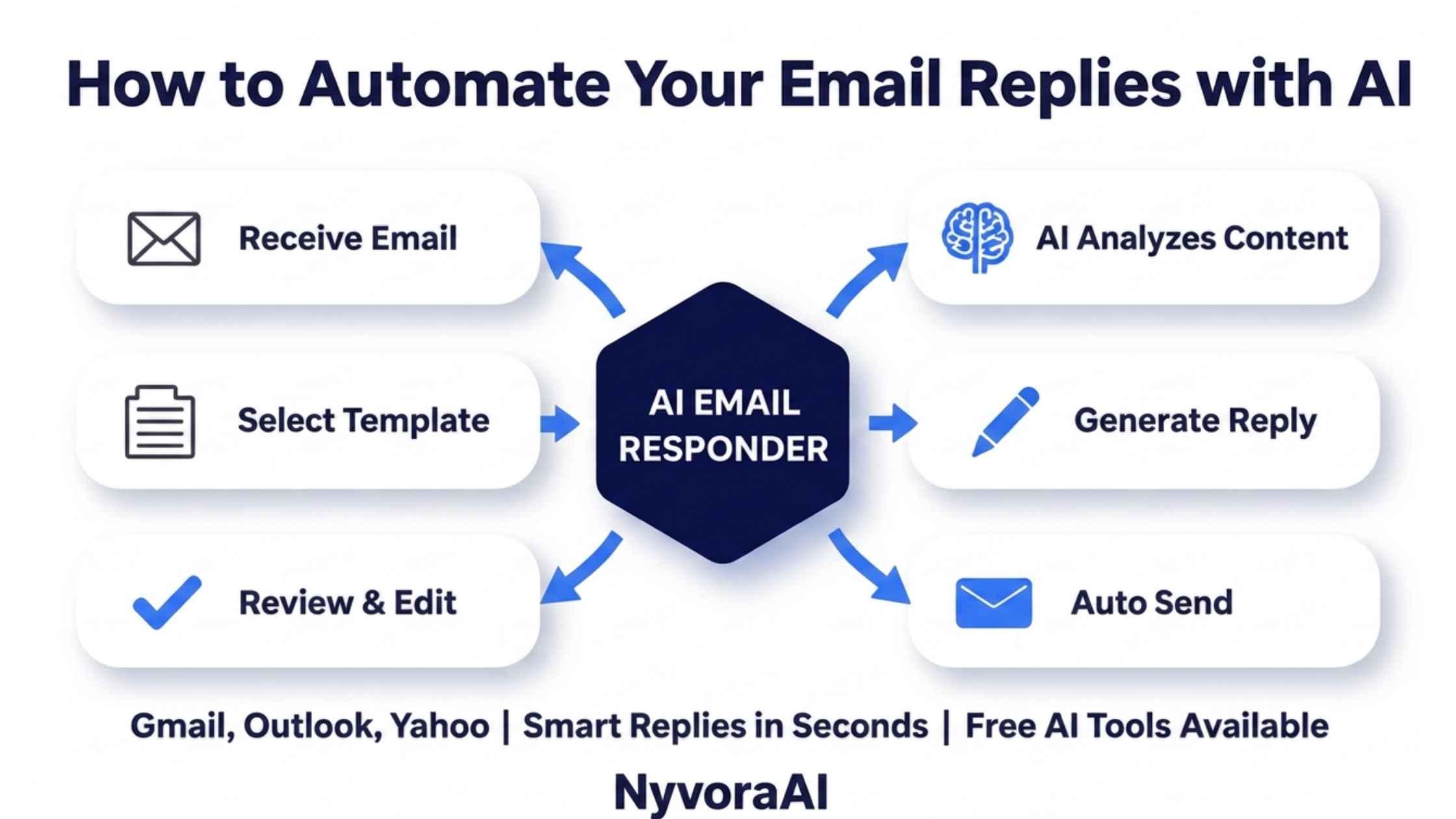
Most people's inboxes are made up of the same handful of questions and requests repeated in slightly different words, over and over, week after week. That repetition is exactly what makes email one of the best possible jobs to hand to AI — not because your replies don't matter, but because so many of them follow a pattern the AI can learn quickly once you show it a few real examples.
This guide walks through the entire practical process: why automating replies is worth the setup time, what AI genuinely handles well versus what still needs a human, which tools are worth trying depending on how you already work, how to write reply templates that don't sound like a form letter, and how to test the whole system before you trust it with real client or customer email. If you're also looking to automate your website's customer conversations, our guide on how to create a chatbot for your website for free covers the same idea applied to live chat instead of email.
The people getting real time back from AI email automation follow the same simple order.
- Start with your most repeated emails — not your whole inbox — and expand once it's working
- Give the AI real example replies, not generic instructions, so it actually sounds like you
- Keep a human review step for anything sensitive, emotional, or account-specific
- Built-in tools in Gmail and Outlook are the fastest, lowest-cost starting point
- Review the drafts weekly for the first month and refine the templates as real replies come in
01Quick Answer
To automate your email replies with AI, start by identifying the questions and requests that show up in your inbox repeatedly, then use either your inbox's built-in AI drafting features (Gmail's Gemini tools or Outlook's Copilot) or a dedicated tool to generate draft replies based on example emails you provide. Review and send the drafts yourself for the first few weeks, refine the templates based on what needs the most editing, and only move to fully automatic sending for the lowest-risk, most repetitive categories once you trust the output consistently.
02Why Your Inbox Is Worth Automating First
Of all the repetitive tasks in a typical workday, email replies are usually the highest-volume and the most interruptive — a single short question can break twenty minutes of focused work if you stop to answer it immediately. Automating even a third of your replies gives back meaningful chunks of uninterrupted time, which compounds fast over a working week.
Unlike more creative writing tasks, email replies are also unusually well-suited to AI because most inboxes are dominated by a small number of question types repeated in different words — scheduling, pricing, status updates, basic troubleshooting. That repetition is what makes this one of the easiest wins in a broader AI-assisted daily routine, right alongside other everyday uses like learning a new skill or language in spare pockets of time.
03What AI Can — and Can't — Handle in Your Inbox
The line between "safe to automate" and "needs a human" usually comes down to stakes and emotion, not complexity. A detailed but routine shipping question is safer to automate than a short but upset complaint. Map your own inbox against that distinction before deciding what to hand off first.
04Best AI Email Tools, Compared
| Tool | Best For | Strength | Setup Difficulty |
|---|---|---|---|
| Gmail (Gemini) | Anyone already on Gmail | Built-in draft suggestions, no extra tool needed | Very easy |
| Outlook (Copilot) | Microsoft 365 users | Drafts replies and summarizes long threads in place | Very easy |
| Front | Small teams sharing an inbox | AI drafting plus shared inbox and assignment rules | Light setup |
| Superhuman | Speed-focused individual users | Fast AI reply drafting built into a keyboard-first inbox | Light setup |
| Zapier + Claude/ChatGPT | Fully custom automation | Route inbound email through AI and into other tools automatically | Light setup |
If you want the lowest-effort starting point, turn on the AI drafting features already built into Gmail or Outlook before adding a new tool to your stack. Once you know which categories of email you want automated, a dedicated tool like Front or a custom Zapier-plus-AI workflow gives you more control over routing, tone, and approval steps.
05Step-by-Step: Set Up AI Email Automation
Audit a month of your inbox
Note which questions or requests came up more than three or four times. That list is your automation starting point.
Pick your tool
Start with what's already built into your inbox before adding a dedicated platform on top.
Feed it real example replies
Paste in three to five of your actual past replies for each category so the AI learns your real tone, not a generic one.
Set your review rule
Decide which categories get sent automatically and which always wait for your approval before going out.
Run it for two weeks with review on
Keep every reply in draft mode at first so you can catch tone or factual issues before they reach anyone.
Expand what's automated
Once a category consistently needs little to no editing, move it to automatic sending or expand to a new category.
06Write Templates and Prompts That Sound Like You
The fastest way to end up with robotic-sounding automated replies is giving the AI a vague instruction like "reply professionally." Instead, treat the setup the same way you would train a new assistant — show it real examples, name your quirks, and be specific about what to avoid.
This same discipline — real examples over vague instructions — is what separates AI writing that sounds like you from AI writing that sounds like everyone else's AI. It's the identical principle covered in our guide on how to use AI to write product descriptions, where specific brand voice input produces noticeably better output than a generic prompt.
07Fitting AI Email Automation Into Your Daily Workflow
Automation only saves time if it fits into how you actually work, not a separate process you have to remember to check. Set your AI drafts to appear directly in your existing inbox rather than a separate app, so reviewing them becomes part of your normal email routine instead of an extra step you might skip.
If you handle inquiries that require quick research before replying — checking a fact, confirming a detail, comparing information — pairing your email tool with a fast research assistant speeds up the review step considerably. Our comparison of Perplexity AI versus Google for research is worth reading if you regularly need to verify something before hitting send on a reply.
08Test Before You Trust It With Real Email
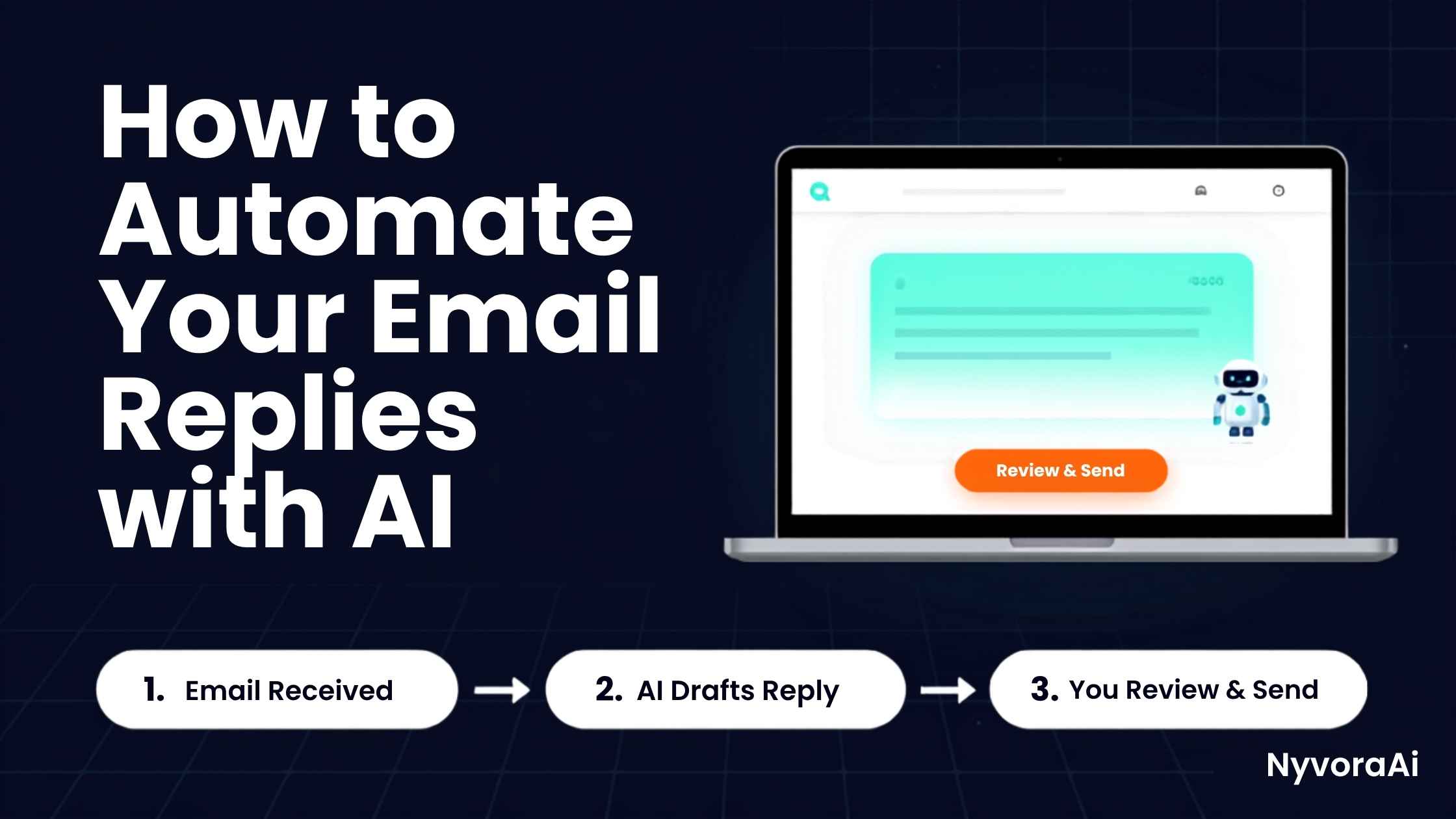
Before letting AI send anything on your behalf without review, spend real time testing it the way you'd test any new hire — with real scenarios, not hypotheticals. Feed it a batch of actual past emails and compare the AI's draft reply to what you originally sent. The gaps you find are exactly what your templates and examples still need to cover.
- Run at least fifteen real past emails through the tool and compare the drafts to your original replies
- Check for factual accuracy on anything involving pricing, dates, or specific commitments
- Test how it handles an email slightly outside its trained categories
- Have a colleague or friend read a batch of drafts without knowing which ones were AI-written
- Start with automatic sending only on your lowest-stakes category, and expand slowly from there
A Habit Worth Building
Keep a running note of every AI draft you had to significantly rewrite. Review it every couple of weeks and feed the corrected version back in as a new example — the system gets noticeably better every time you do this.
09Mistakes That Undermine Email Automation
- Automating everything at once. Start with one or two categories, get them reliable, then expand — the same principle that applies to any AI rollout.
- Skipping the review step too early. Move to fully automatic sending only after you've genuinely verified accuracy over a real testing period, not after a handful of good-looking drafts.
- Using generic instructions instead of real examples. "Sound professional" produces generic output; your actual past replies produce output that sounds like you.
- Never updating the templates. Prices, policies, and offers change — an AI trained on outdated examples will confidently repeat outdated information.
- Letting AI handle emotionally charged threads. Complaints and sensitive conversations need a human's judgment, not a templated response, no matter how good the AI has gotten at everything else.
Keep a Human in the Loop on Anything High-Stakes
Never let AI auto-send replies involving refunds, legal matters, pricing negotiations, or a customer who's clearly upset. These situations need judgment and empathy an automated system can't reliably provide, and a wrong automated reply here can do real damage to a relationship.
Once your inbox automation is running smoothly, the same "real examples over generic instructions" approach extends naturally into other AI-assisted writing — from optimizing the subject lines and content that drive replies in the first place, which is where our guide on how to use AI for SEO keyword research becomes useful for the marketing side of your inbox, to tightening up other written materials like a résumé using the same principle covered in how to use AI to improve your resume.
10Frequently Asked Questions
Can AI actually reply to my emails for me?
Is it safe to let AI send emails automatically without review?
What is the best free tool to automate email replies with AI?
Will AI-written email replies sound robotic to customers?
How much time does automating email replies actually save?
11Conclusion
Automating your email replies with AI isn't about handing your inbox over completely — it's about clearing out the repetitive, low-stakes questions that eat your time so you can give your full attention to the emails that actually need it. The setup takes an afternoon. The payoff, once your templates are dialed in, is measured in hours back every single week.
Start narrow: pick your two or three most repeated email types, feed the AI real examples of how you've answered them before, and review every draft for the first couple of weeks before trusting it further. That order — real examples, human review, gradual expansion — is what separates automated replies that feel like you from automated replies that feel like a form letter, and it's the same order worth applying to any AI tool you bring into your daily routine next.

Written by Varun Lalwani
Varun writes practical, beginner-friendly guides on AI tools and business workflows for NyvoraAI. Updated July 2026 based on hands-on testing of AI email tools across several small businesses and freelance inboxes. Questions about your setup? Contact us — we're happy to help.