Let me start with how I actually landed on this topic. A colleague asked me whether they should enable Notion AI for their five-person team. They were already paying for Notion Plus, doing most of their project management and docs inside Notion, and genuinely curious about the AI features. My instinct was "probably yes" — but when I looked at it more carefully, the answer was a bit more specific than that.
Is Notion AI worth adding to your workflow? The short version: yes, if Notion is already central to how you work and you write a lot of content or manage a lot of notes inside it. Probably not, if you're a light Notion user or if you're already paying for a separate AI writing or productivity tool. The rest of this article is for everyone who wants more than a short version.
- Context is the killer feature — Notion AI can see and reference your actual workspace, which standalone tools can't do without you manually copy-pasting.
- It's not a ChatGPT replacement — the writing quality is good but not as strong as dedicated AI writing tools on complex or nuanced content.
- Meeting notes and summaries are the strongest use case — especially for teams already living in Notion.
- The cost adds up fast at team scale — $10/seat/month is real money for larger teams.
- It doesn't work well for tasks that live outside Notion — if your work is spread across different tools, the contextual advantage disappears.
01Quick Verdict by User Type
Before getting into the details, here's where I land for different types of users:
Add Notion AI
- Notion is your primary workspace for docs, notes, and projects
- You or your team write a lot of long-form content inside Notion
- You run lots of meetings and want instant summaries and action items
- You want AI to search and synthesise across your workspace knowledge base
- You're a solo user or small team where the per-seat cost is manageable
Probably Not Worth It
- You use Notion only for basic task lists or light project tracking
- You already pay for a dedicated AI writing tool (Jasper, Copy.ai, etc.)
- Your work is distributed across many tools, not concentrated in Notion
- You're managing a large team where the per-seat cost compounds significantly
- You primarily need image, voice, or video AI — Notion AI doesn't cover those
02What Notion AI Actually Does
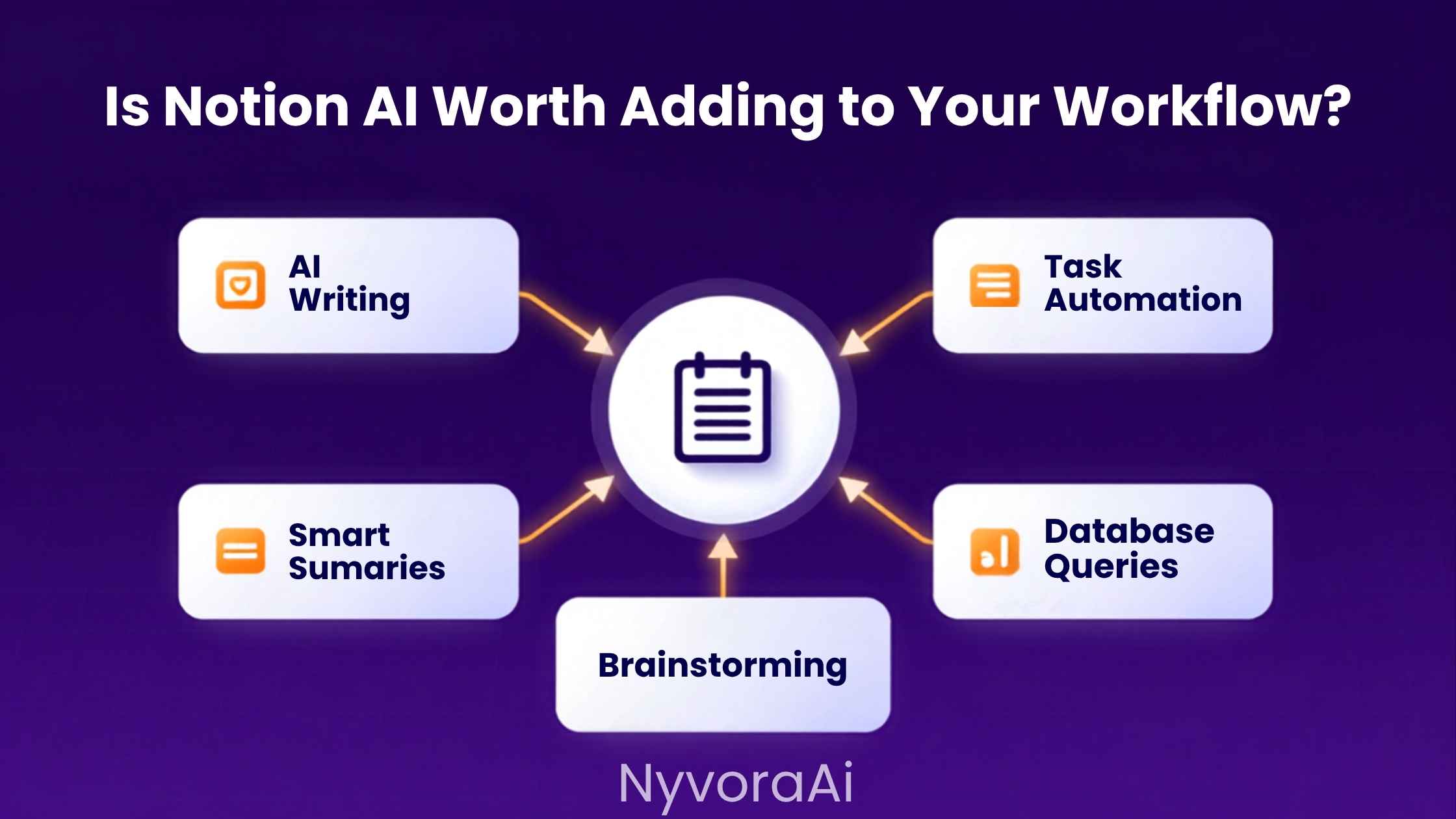
The feature set is broader than most people realise going in. When you activate Notion AI, it's not just a write-for-me button. Here's what it actually covers:
Writing and Editing
Draft new content, improve existing text, fix grammar, adjust tone, change length, translate to other languages — all within the page you're already working on.
Summarise Documents
Paste in a long meeting transcript, a research dump, or a project update, and get a clean summary with the key points. One of the most genuinely time-saving features in the set.
Ask Your Workspace
Ask natural language questions about content spread across your Notion pages. "What did we decide about the Q3 budget?" can surface the answer from a note you wrote three months ago.
Action Items from Meetings
Drop in meeting notes and ask Notion AI to extract a clean list of action items with owners. This alone saves more time than people expect — especially for anyone managing recurring team meetings.
Brainstorm and Ideate
Generate lists of ideas, content angles, project names, or frameworks for a decision. Works well as a thinking partner when you're staring at a blank page.
Translation
Translate content into other languages directly inside a Notion page. Handy for international teams or anyone producing content for multiple regional audiences.
It's a solid feature set. None of it is revolutionary on its own — you can do all of this with a ChatGPT or Claude tab sitting next to Notion. The real value is that Notion AI does it without breaking your workflow by switching context.
03Where Notion AI Genuinely Earns Its Cost
Spending time with the actual tool reveals a few situations where it really does change the way you work — not just marginally, but in a way that's worth money.
Meeting notes that actually become useful
This is probably the single strongest use case. If you're already pasting meeting notes into Notion (or importing them from a transcription tool), having Notion AI instantly summarise them and pull out action items is a genuinely different experience from manually reading through a 3,000-word transcript. For teams running multiple meetings daily, this compounds fast. Speaking of meeting transcription — our comparison of whether Otter AI is good for meeting notes covers the transcription side of this workflow in detail, since Notion AI works best when it has a clean transcript to work from.
Searching across a messy knowledge base
Most Notion workspaces develop an archive problem. Pages get created, filled with information, and then gradually forgotten as they sink below the fold. The "Ask AI" feature, which can search and synthesise across your workspace, genuinely helps here. Instead of using Notion's built-in search and hoping you remember the right keyword, you can ask a question in natural language and get a synthesised answer pulled from multiple pages. I've found this most useful for company knowledge bases where important decisions and processes are scattered across dozens of pages.
Writing inside an existing context
When you're drafting a page that references other content in your workspace, Notion AI can see and incorporate that context. Writing a project update that references last week's meeting notes? Writing a doc that builds on a previous strategy page? The contextual awareness removes the copy-paste loop that happens when you're using a standalone AI tool alongside your notes. That friction saving is small per instance but surprisingly significant across a full working day.
04Where It Falls Short (Honestly)
The marketing version of Notion AI skips this part entirely, so let's be direct about the gaps.
What It Doesn't Do Well
- Writing quality on complex content is noticeably below ChatGPT-4 or Claude
- No image generation, voice, video, or audio features
- Only works on content inside Notion — no web search or real-time data
- Context window limits mean very large docs don't always get fully processed
- Can feel repetitive or generic on creative or nuanced writing tasks
- No API access or workflow automation beyond Notion's own ecosystem
What It Does Well
- Summarising long documents and meeting notes accurately
- Extracting action items from unstructured text
- Quick tone and clarity edits on existing writing
- Searching across workspace content conversationally
- Removing the context-switching cost of a separate AI tab
- Translation for multilingual teams
The writing quality point is worth dwelling on. If you're producing content that goes to clients, gets published, or represents your organization externally, Notion AI's output typically needs a heavier editing pass than equivalent output from a dedicated writing tool. It's not bad — it's just that tools built specifically for writing have a noticeable edge on quality. Our comparison of what Copy.ai is and how it compares to Jasper covers the dedicated writing tool side of this question if you're weighing those options specifically.
The Best of Both Worlds Approach
Several teams I know use Notion AI for workspace-specific tasks (summaries, action items, knowledge search) and keep a separate Claude or ChatGPT subscription for heavier writing work. If you go that route, the combined cost is only justified if you use Notion AI heavily enough that the workflow savings outweigh paying for two tools.
05Interactive: Should You Add Notion AI?
Tick every statement that genuinely applies to your current workflow. The result updates as you go.
Notion AI Self-Assessment
Check every statement that applies to you — your recommendation updates in real time
06Notion AI vs Standalone Tools
This is the comparison that actually matters for most people's decision. Here's how Notion AI stacks up against keeping a dedicated AI tool running in a separate tab:
| Capability | Notion AI | ChatGPT / Claude (Standalone) |
|---|---|---|
| Access to your Notion workspace | ✅ Full context access | ❌ You paste content manually |
| Writing quality | ⚠️ Good, not best-in-class | ✅ Stronger on complex content |
| Real-time web search | ❌ Not available | ✅ Available in most paid tiers |
| Meeting note summaries | ✅ Seamless within Notion | ⚠️ Works but requires copy-paste |
| Workflow integration | ✅ Native to Notion | ❌ Separate tab, manual switching |
| Image generation | ❌ | ✅ Available in ChatGPT Plus |
| Cost | +$10/seat/month on top of Notion | ~$20/month standalone |
| Best for | Heavy Notion users who want embedded AI | Power users needing max capability |
There's a broader pattern worth naming here. The AI tool market in 2026 is full of "embedded AI" options — AI built into the productivity tools you already use — sitting alongside dedicated standalone AI tools. Notion AI is one example. Canva's AI features are another — if you're curious how that embedded-AI model plays out in a design context, our review of whether Canva AI is good for design beginners covers the same question from a different angle. And if you're evaluating image AI specifically, our piece on whether Midjourney is worth the subscription in 2026 goes into that comparison properly.
The general principle: embedded AI tools win on friction reduction and context. Standalone AI tools win on raw capability and flexibility. The right answer for any given person depends on which of those matters more in their actual day-to-day work.
07Pricing Breakdown and What You're Actually Paying For
Notion AI pricing as of 2026 works like this: it's an add-on of around $10 per member per month (billed annually) on any existing Notion plan, or roughly $16 per seat when billed monthly. It's also bundled into the Business plan and above.
For solo users or small teams of two or three people, this is fairly reasonable if you're using the features regularly. For teams of ten or more, the math changes quickly — $10 × 12 seats is $1,440 per year just for the AI add-on, on top of whatever you're already paying for Notion itself. At that scale, it's worth doing an honest audit of whether enough team members will use the AI features consistently to justify the cost per seat.
One thing that gets lost in the pricing conversation: you're not just paying for AI writing help. You're paying for the contextual layer that understands your workspace. That's the part you can't replicate with a free ChatGPT tab. If your team has a rich Notion knowledge base and would genuinely use the search-your-workspace feature daily, the value calculation shifts considerably in Notion AI's favour.
For comparison — other embedded AI tools have similar value questions. Our look at the best free AI video tools in 2026 shows a category where free alternatives have actually caught up with paid ones quite a lot. The same is arguably beginning to happen in productivity AI, which makes it even more important to test before committing to a per-seat subscription. And our rundown of the best AI tools for transcription covers a closely related workflow where the choice between embedded and standalone tools matters in similar ways.
08Frequently Asked Questions
Is Notion AI worth adding to your workflow?
What does Notion AI actually do?
How much does Notion AI cost?
Is Notion AI better than ChatGPT for writing?
Can Notion AI replace a dedicated writing tool?
Does Notion AI work offline?
Who should skip Notion AI?
The honest conclusion is that Notion AI is a genuinely useful tool — for the right person. If Notion is already where your work lives, the friction savings are real and the contextual awareness is something you genuinely can't replicate by pasting between tabs. For occasional or light Notion users, or anyone already well-served by a standalone AI subscription, the math just doesn't add up. Run through the self-assessment above, think about how centrally Notion features in your actual daily workflow, and make the call from there rather than from the feature list. That's really the whole decision.

Written by Varun Lalwani
Varun tests productivity and AI tools with a focus on what actually changes how people work day-to-day, not just what looks good in a product demo. Questions? Get in touch here.