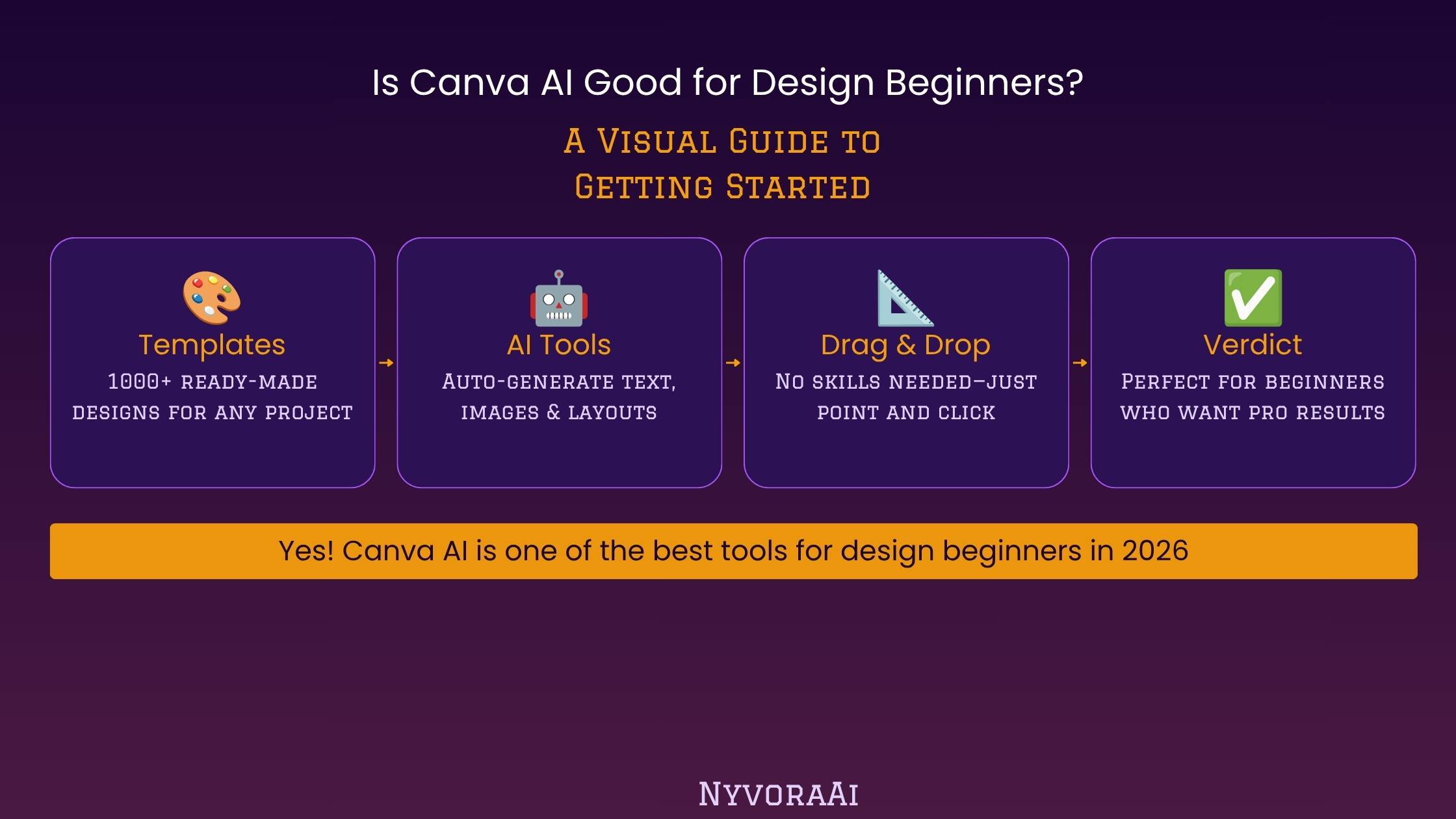
Canva has spent over a decade building a reputation as the design tool for people who aren't designers, and in 2026 its AI layer — branded Magic Studio — is arguably the most beginner-friendly application of AI to visual design available anywhere. But "beginner-friendly" gets thrown around loosely in software marketing, so this review looks specifically at whether it holds up for someone who has genuinely never made a design before, not someone who already knows their way around a creative tool.
Canva's Magic Studio is built specifically for people with zero design background, not adapted for them after the fact.
- Magic Design and Dream Lab turn a plain text description into an editable layout or image in seconds
- The free plan is genuinely usable for testing every major AI feature before paying anything
- Canva Pro's AI credits are shared across all features and don't roll over month to month
- Image quality trails Midjourney for pure artistic output, especially on faces and hands
- No design theory required — templates and Brand Kit handle most of the decisions for you
01Quick Answer
Yes, Canva AI is genuinely good for design beginners. Its Magic Studio suite — including Magic Design, Dream Lab, Magic Write, Magic Eraser, and Magic Expand — is built around plain-language prompts and editable templates rather than manual layout skills, which removes almost every barrier that makes traditional design software intimidating. The free plan offers enough monthly AI credits to test every major feature, and Canva Pro at roughly $13-15 per month unlocks a much larger allowance plus Brand Kit and premium templates. The main trade-off for beginners to know upfront: Canva's AI image generation, Dream Lab, doesn't match dedicated tools like Midjourney for pure artistic quality, and monthly AI credits on Pro don't roll over, so heavy daily use can exhaust them before the month ends.
02What Canva AI (Magic Studio) Actually Is
Magic Studio is Canva's umbrella name for every AI-powered feature built into its editor, rather than a single standalone tool. As of 2026 it spans the core design editor, Canva Sheets for data-driven design, a code feature, video generation, and the free Affinity professional suite Canva acquired and folded in. The newest and most talked-about addition is a conversational AI interface where you describe what you want in plain text or voice, and the editor builds a fully editable set of design objects — not a flat image you can't adjust.
For a beginner, the practical upshot is this: you rarely start from a blank page. You either describe what you want and get a workable starting layout, or you pick from Canva's enormous template library and let the AI tools handle the fiddly parts — resizing, background removal, color matching — that traditionally required at least basic software fluency.
03Key Features for Beginners
None of these require understanding layers, masks, or vector paths — the vocabulary that makes traditional design software feel like a second job to learn. That's genuinely the point, and it's why Canva remains the most common recommendation for someone's very first design tool.
04Canva AI Pricing in 2026
| Plan | Typical Price | AI Credits | Best For |
|---|---|---|---|
| Free | $0/month | Limited monthly allowance | Testing every feature first |
| Pro | ~$13-15/month | 500 AI credits/month | Individuals & solo creators |
| Teams | ~$10/seat/month (3-seat minimum) | Higher shared allowance | Small teams & agencies |
| Enterprise | Custom | Custom / unlimited | Large organizations |
The free plan is enough to genuinely evaluate whether Canva's AI tools fit your workflow before spending anything — you can test Magic Design, a handful of Dream Lab generations, and Magic Write's core functionality. Once you're using these tools regularly rather than occasionally, Pro's 500 monthly AI credits shared across every Magic Studio feature tend to make more financial sense than repeatedly bumping into free-tier limits. One detail worth flagging: those Pro credits don't roll over, and there's no way to buy extra credits individually — exhausting them mid-month means waiting for the reset or upgrading further.
05Why It's Especially Good for Total Beginners
What sets Canva apart from other AI design tools for a genuine first-timer isn't any single feature — it's that every output stays editable. A prompt-generated flyer isn't a flat image you're stuck with; it's a real Canva design with separate text boxes, swappable colors, and adjustable layout elements you can tweak without any special skill. That editability is what turns a lucky first result into something you can actually iterate on until it looks right.
The Brand Kit feature also does a lot of invisible heavy lifting for beginners specifically. Once you've added your logo, a couple of brand colors, and a font, every AI-generated design going forward automatically tries to match that identity — meaning you don't need to understand color theory or typography pairing to end up with something that looks cohesive across multiple pieces.
06Where It Falls Short
- Dream Lab trails Midjourney on pure image quality. Independent testing consistently rates Canva's image generator behind Midjourney for artistic, high-fidelity output, especially on faces and hands.
- AI credits don't roll over. Unused monthly credits on Pro simply disappear at reset, and there's no à la carte top-up option.
- Not built for professional prepress work. Complex color-managed printing, advanced typesetting, or broadcast-grade video editing still favor a dedicated professional tool.
- Free plan credits are genuinely limited. Enough to test the waters, not enough to run a real weekly content routine without upgrading.
- Magic Write needs editing, not blind trust. Like any AI writing tool, its first draft benefits from a human pass before anything goes public.
Don't Publish Magic Write's First Draft Untouched
Treat Magic Write as a fast first draft, not a finished caption or headline. A quick pass to make it sound like you — and to check any factual claims — is worth the extra minute before anything goes live. Our review of whether Grammarly AI is good for writers covers a solid tool for exactly this kind of quick polish.
07Get Started in Ten Minutes
Create a free account
Just an email address — no credit card needed to start exploring the free plan.
Pick a design type
Choose something concrete — a social post, a flyer, a simple presentation — rather than starting from a totally blank idea.
Describe what you want in plain words
"A clean event flyer for a Saturday farmers market, warm colors" is a complete, usable prompt.
Pick your favorite from the generated options
Magic Design typically offers a few variations — choose the closest match and edit from there.
Adjust text, colors, and images manually
Everything stays fully editable, so small tweaks — a different photo, a shorter headline — take seconds.
08What to Pair Canva AI With
Canva covers most of a beginner's visual needs, but a few adjacent tools fill in the gaps. If your project needs genuinely high-end AI-generated imagery — a hero image, key art, something that needs to hold up at large size — it's worth comparing Dream Lab against a dedicated image generator first; our review of whether Midjourney is worth the subscription in 2026 covers that specific trade-off in detail.
If your design work includes turning spoken content into slides or graphics — a recorded webinar, a client call, a lecture — pairing Canva with a transcription tool closes that gap; see our guide on the best AI tool for transcription. And if you're regularly turning meeting notes into a presentation recap, our review of whether Otter AI is good for meeting notes pairs naturally with Canva as the next step in that workflow.
For longer written content that needs to accompany your visuals — a blog post, a product description, marketing copy at volume — a dedicated writing platform will typically outperform Magic Write's in-design shortcuts; our comparison of Copy.ai and Jasper is worth reading if text is a bigger part of your workflow than visuals.
A Habit Worth Building Early
Set up your Brand Kit before generating anything, even if you're just experimenting for a personal project. It takes two minutes and makes every AI-generated design afterward noticeably more cohesive — a small step that pays off every single time you open the editor.
09Mistakes Beginners Make With Canva AI
- Skipping the Brand Kit setup. Two minutes of setup meaningfully improves how consistent every future AI-generated design looks.
- Expecting Dream Lab to match Midjourney. It's convenient and built-in, but it's not the benchmark for pure artistic image quality — set expectations accordingly.
- Burning through AI credits on low-stakes generations. Save Dream Lab for hero images that matter; use the stock photo library for backgrounds and filler visuals.
- Publishing Magic Write's first draft unedited. A quick human pass catches generic phrasing and tone mismatches before anyone else sees it.
- Never exploring past the free plan's limits. If you're regularly hitting free-tier caps, that's usually a sign Pro would pay for itself in time saved, not a sign to give up on the tool.
10Frequently Asked Questions
Is Canva AI good for someone with no design experience?
Is Canva AI free to use?
What is Canva Magic Studio?
How does Canva's AI image quality compare to Midjourney?
Do I need to know design principles to use Canva AI well?
11Conclusion
Is Canva AI good for design beginners? Genuinely, yes — it's one of the few AI tools that was actually designed around the needs of someone with zero design background, rather than a professional tool with AI bolted on afterward. Magic Design and Dream Lab get you from a blank idea to an editable starting point in seconds, Brand Kit keeps things looking cohesive without any design theory knowledge, and the free plan gives you enough room to genuinely test all of this before spending a cent.
Where it's worth tempering expectations is image quality at the highest end and monthly AI credit limits once you're using it heavily — neither is a dealbreaker, but both are worth knowing going in. For a first design tool, a small business's everyday visual needs, or anyone who just wants to stop staring at a blank page, Canva's AI tools do exactly what they promise, and they do it without asking you to learn anything first.

Written by Varun Lalwani
Varun writes practical, beginner-friendly guides on AI tools and business workflows for NyvoraAI. Updated July 2026 based on hands-on research into Canva's current Magic Studio features and pricing. Questions about your setup? Contact us — we're happy to help.