If you've ever spent an entire evening scrubbing through a waveform trying to find and delete every "um" in a 45-minute conversation, you already understand exactly why AI podcast editing tools took off as fast as they did. The pitch is simple: instead of learning traditional audio editing software, you edit a transcript like a document, and the audio follows along automatically. That pitch has held up well in practice — but which tool actually delivers on it best depends heavily on what part of your production process hurts the most right now.
No single tool wins every stage of podcast production — most solid setups combine two or three.
- Descript is the strongest overall pick for text-based editing and filler-word removal
- Adobe Podcast's Enhance Speech is free and remains one of the best single-click audio cleanup tools available
- Cleanvoice specializes specifically in filler words, stutters, and mouth sounds if that's your biggest pain point
- Riverside is built for recording, not editing — it captures clean local tracks even over a shaky connection
- Most solid workflows combine tools rather than relying on one platform for everything
01Quick Answer
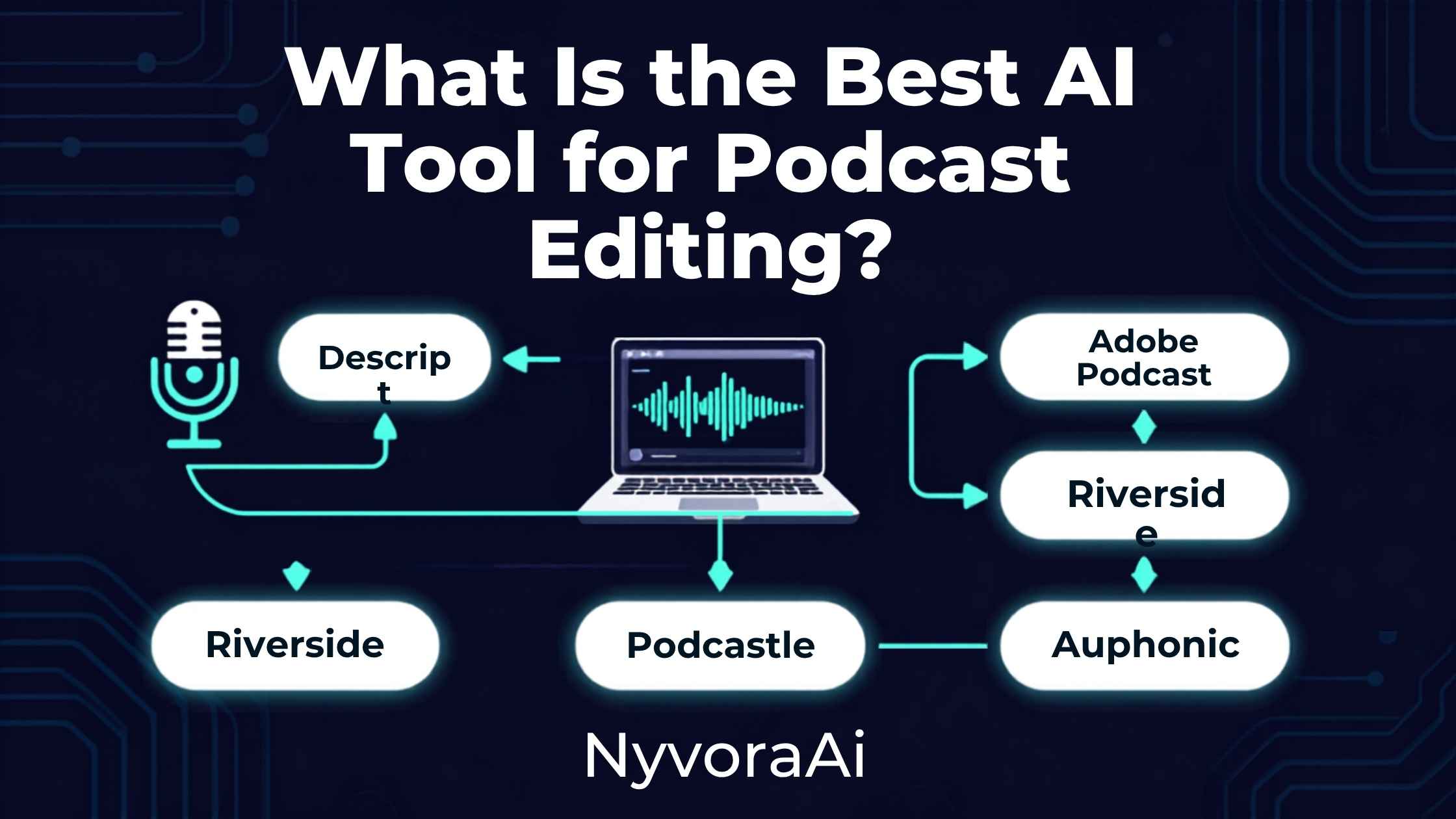
Descript is generally the best overall AI tool for podcast editing, thanks to its text-based editing workflow — delete a sentence in the transcript and the corresponding audio cuts automatically — plus reliable filler-word removal and built-in Studio Sound audio enhancement. If your biggest problem is poor recording quality rather than editing itself, Adobe Podcast's free Enhance Speech feature is often the single highest-impact tool you can add, cleaning up noisy or echoey recordings in one click at no cost. Most podcasters end up combining tools rather than relying on just one: a recording tool for clean source audio, a cleanup tool for polish, and a full editor for the actual cut.
02Why Podcast Editing Is Such a Good Fit for AI
Podcast editing is repetitive in a very specific way that makes it ideal for AI assistance: the same categories of fixes come up in almost every episode — filler words, dead air, background noise, uneven levels between speakers. That repeatability is exactly what AI tools are good at automating reliably, unlike more creative or judgment-heavy editing decisions that still benefit from a human ear.
The bigger shift has been the move to text-based editing specifically. Instead of visually hunting through a waveform for a specific moment, you scan a transcript the way you'd read a document, delete what doesn't belong, and the audio updates to match. For anyone who never wanted to learn a traditional digital audio workstation, this single change removes most of the intimidation factor from podcast editing entirely.
03What Actually Matters in a Podcast Editing Tool
Weigh these against your actual biggest pain point rather than picking the tool with the longest feature list. Someone recording in a quiet home studio with a decent mic has very different needs than someone recording remote interviews over patchy internet connections.
04Best AI Podcast Editing Tools, Compared
| Tool | Best For | Typical Price | Standout Strength |
|---|---|---|---|
| Descript | Full text-based editing | Free plan; paid tiers roughly $12-30/mo | Editing by transcript |
| Adobe Podcast | Free audio cleanup | Free; Pro from ~$10/mo | Enhance Speech noise removal |
| Cleanvoice | Filler word & mouth-sound removal | ~$38/mo | Specialist accuracy |
| Riverside | Remote recording | Free plan; ~$15-24/mo | Local high-quality tracks |
| Auphonic | One-click final mix polish | ~$11/mo | Broadcast-standard loudness |
If you can only add one tool right now, Descript covers the most ground for the widest range of podcasters. If your recordings sound rough because of your room or microphone rather than your editing, Adobe Podcast's free Enhance Speech is worth trying before spending anything at all.
05Build Your Editing Stack in Five Steps
Identify your actual bottleneck
Is it bad audio quality, slow manual editing, or too much time spent on filler words? Your answer changes which tool to add first.
Record with clean source audio in mind
If you record remotely, a tool that captures local tracks avoids internet-related quality loss before you even reach editing.
Run a free cleanup pass first
Adobe Podcast's Enhance Speech costs nothing and often fixes room noise and echo before you touch anything else.
Edit the transcript, not the waveform
Cut rambling sections and dead air by deleting text in your editor of choice — it's dramatically faster than manual waveform editing.
Run a final loudness and filler-word pass
A dedicated finishing tool ensures consistent volume and catches any remaining "ums" your main editor missed.
06Where These Tools Fall Short
- AI-generated clips still need a human check. Automated highlight and clip tools can misjudge what's actually the most engaging moment.
- Aggressive noise removal can introduce artifacts. Especially on music or laughter, over-processing sometimes creates an unnatural, slightly robotic sound.
- Transcription accuracy drops with heavy accents or crosstalk. Multiple people talking over each other still trips up even the best current transcription engines.
- No tool fixes a genuinely boring conversation. Editing tightens pacing, but it can't manufacture engaging content that wasn't there in the raw recording.
- Voice cloning features need real consent. Never use someone else's cloned voice without their explicit, verified permission — reputable tools require this by design.
Always Disclose AI-Assisted Production
If AI played a meaningful role in your episode's voice, script, or heavy editing, note it in your show notes. Listeners generally appreciate the transparency, and some platforms are increasingly asking for this kind of disclosure directly.
07Turning One Episode Into More Content
Once your episode is edited, the same recording can fuel a surprising amount of additional content with the right tools. If you want to repurpose the conversation into short video clips for social media, our guide on the best free AI video tool in 2026 covers strong options for that specific step. Cover art and episode artwork are worth getting right too — our review of whether Canva AI is good for design beginners covers a genuinely accessible option for building consistent podcast branding without design experience, and if you want higher-end artwork specifically, our piece on whether Midjourney is worth the subscription in 2026 is worth reading too.
For show notes and episode descriptions, feeding your transcript into a dedicated writing tool speeds things up considerably; our comparison of Copy.ai and Jasper is a useful next read if writing polished descriptions at volume is part of your weekly routine. And since the underlying technology behind podcast transcription overlaps heavily with meeting transcription, our review of whether Otter AI is good for meeting notes is worth a look if you're weighing similar tools for interview prep calls or production planning meetings.
A Habit Worth Building
Keep a running note of the specific edits you make manually every single episode — a recurring filler phrase, a particular noise, a level imbalance with one specific guest mic. Feeding that pattern back into your tool's settings over time noticeably reduces how much manual cleanup each new episode needs.
08Mistakes People Make Choosing a Podcast Editing Tool
- Chasing the tool with the most features. The right pick solves your specific bottleneck, not the one with the longest marketing page.
- Paying for a full editor when the real problem is audio quality. Try the free Adobe Podcast cleanup step before assuming you need an expensive editing subscription.
- Skipping the recording stage. No editing tool fully fixes audio that was poorly captured in the first place — a decent recording setup pays off downstream.
- Trusting AI-generated clips without review. Automated highlight detection is a helpful starting point, not a final decision-maker.
- Ignoring consent requirements for voice cloning. Every reputable platform requires verified permission — never treat this as optional.
09Frequently Asked Questions
What is the best AI tool for podcast editing?
Is Adobe Podcast good for editing?
Can AI remove filler words like um and uh from a podcast automatically?
Do I need more than one AI tool to edit a podcast?
Is there a free AI tool for podcast editing?
10Conclusion
What is the best AI tool for podcast editing? For most podcasters, Descript earns that title through its text-based editing workflow and reliable filler-word removal, but the honest, complete answer is that the strongest setups rarely lean on a single tool. A clean recording, a free audio cleanup pass, and a proper text-based editor together solve more of the actual production headache than any one platform managing everything on its own.
Start by identifying your real bottleneck — bad audio, slow manual editing, or too many filler words — and add one tool to solve that specific problem before building out a bigger stack. The goal was never to collect the most AI tools; it's to spend less time editing and more time actually making the show worth listening to.

Written by Varun Lalwani
Varun writes practical, beginner-friendly guides on AI tools and business workflows for NyvoraAI. Updated July 2026 based on hands-on research into the current AI podcast editing landscape. Questions about your setup? Contact us — we're happy to help.