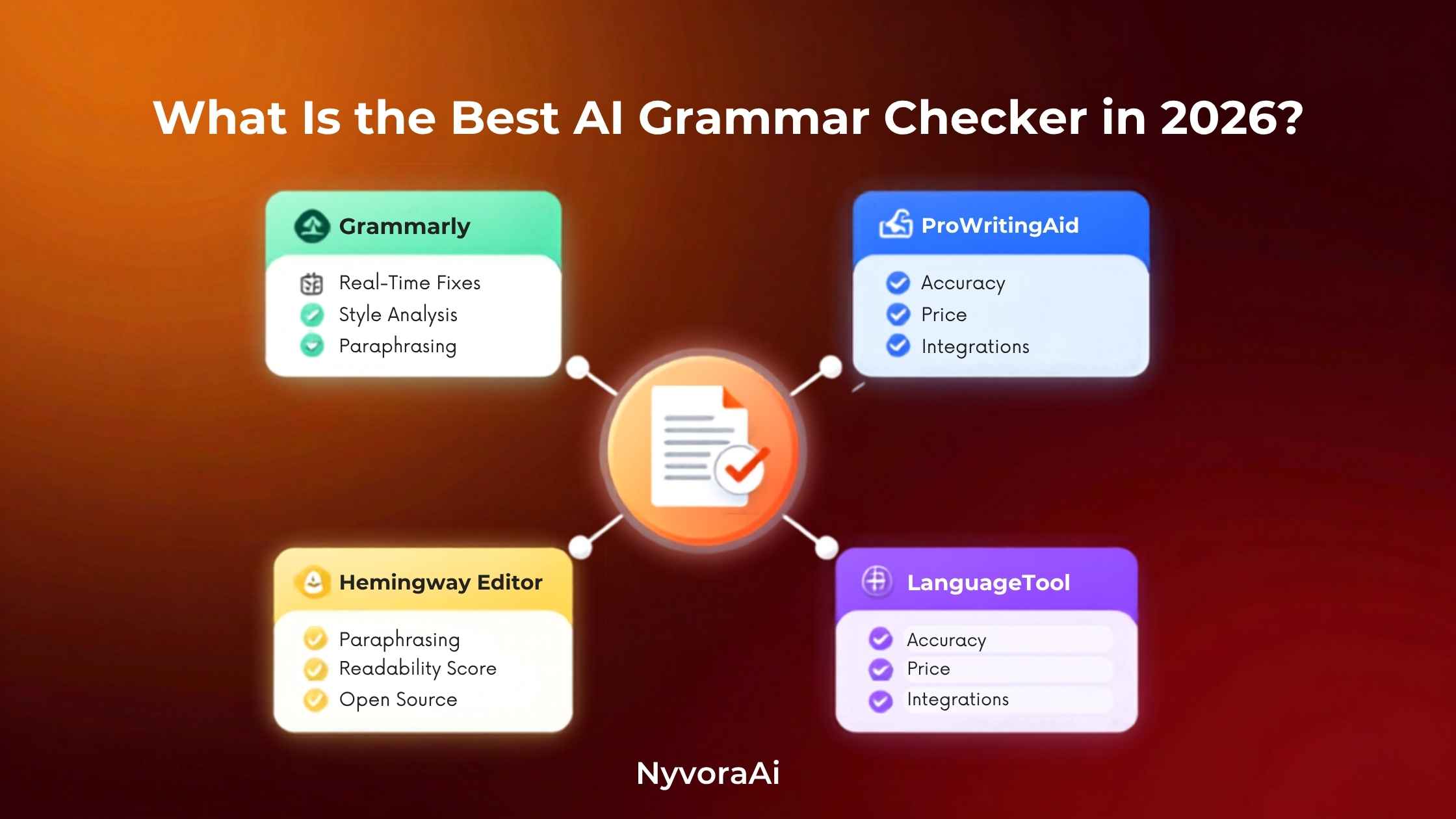
Search "best AI grammar checker" and you'll mostly find lists that rank Grammarly first and move on. That's not wrong, exactly, but it's incomplete. Grammar checking in 2026 isn't one category anymore — it's split into everyday proofreading, deep manuscript analysis, free multilingual checking, and paraphrasing-led rewriting, and the tool that wins depends entirely on which of those jobs you actually need done. Picking based on brand recognition alone is how people end up paying for features they'll never touch.
There's no single "best" grammar checker — there's a best one for your specific writing.
- Grammarly is the strongest all-rounder for everyday English writing, tone, and browser-wide coverage
- ProWritingAid wins for authors and anyone editing long manuscripts or chapters
- LanguageTool is the best free option for multilingual grammar checking across 30+ languages
- QuillBot suits paraphrasing-first writers who want rewriting with a grammar pass included
- Most serious writers end up combining two tools rather than relying on just one
01Quick Answer
Grammarly is generally the best overall AI grammar checker in 2026 for everyday English writing, thanks to real-time suggestions across thousands of apps and websites, clear tone detection, and clarity feedback that explains why a correction was made. If your work is long-form — a novel, a thesis, a full manuscript — ProWritingAid outperforms it with reports on pacing, repetition, and overused words that Grammarly simply doesn't offer. If budget matters most and you write in more than one language, LanguageTool's free plan is the strongest starting point. And if paraphrasing and rewriting matter as much as pure grammar correction, QuillBot is worth a serious look.
02Why Grammar Checking Is Such a Good Fit for AI
Grammar and spelling errors follow patterns that are genuinely well suited to automated detection: subject-verb agreement, tense consistency, misplaced modifiers, homophone mix-ups, and comma splices show up constantly across almost any kind of writing. What's changed in the last few years is that these tools stopped being purely rule-based. Modern AI grammar checkers use contextual language models that understand what a sentence is actually trying to say, not just whether it matches a grammar rule on paper — which is exactly why they now catch awkward phrasing and unclear meaning, not just hard errors.
That contextual understanding matters most for writers working in a second language. A rule-based checker might miss an article or preposition mistake that reads as technically valid but sounds unnatural, while a model that understands context can flag it and explain why the more natural phrasing works better. For non-native English writers specifically, this combination of correction and explanation is often more valuable than the grammar fix itself, since it builds the underlying skill over time instead of just patching individual sentences.
There's also a quieter shift worth noting: these tools increasingly double as light editors, not just error-spotters. Tone detection can flag when an email reads more aggressive than intended, clarity scoring can point out when a sentence has simply gotten too long to follow, and readability feedback can catch when writing has drifted into dense, jargon-heavy phrasing without anyone meaning it to. None of that replaces a human editor's judgment, but it does mean the gap between "technically correct" and "actually clear" is a lot easier to close than it used to be.
03What Actually Matters in a Grammar Checker
Weigh these against what you're actually writing most often. A student polishing weekly essays has very different needs than a novelist editing a 90,000-word manuscript, even though both technically want "a grammar checker."
04Best AI Grammar Checkers, Compared
| Tool | Best For | Typical Price | Standout Strength |
|---|---|---|---|
| Grammarly | Everyday English writing, everywhere | Free plan; Premium roughly $12-30/mo | Widest app integration |
| ProWritingAid | Authors & long manuscripts | Free (500 words); paid from ~$10/mo | Deep style & pacing reports |
| LanguageTool | Free multilingual checking | Free; Premium from ~$5/mo | 30+ languages supported |
| QuillBot | Paraphrasing with grammar included | Free plan; Premium from ~$10/mo | 10+ rewording modes |
| Hemingway Editor | Readability & sentence simplicity | Free web app; desktop ~$20 one-time | Plain-language scoring |
If you can only add one tool right now, Grammarly covers the most ground for the widest range of everyday writing. If your work is long-form and structural — chapters, reports, dissertations — ProWritingAid's pattern-level feedback across an entire document is worth the switch, and it's genuinely worth trying its free 500-word check before committing to anything paid.
05Build Your Writing Stack in Five Steps
Identify your actual writing type
Emails and social posts, long manuscripts, and multilingual content all call for a different primary tool.
Start with a free plan before paying
Grammarly, LanguageTool, and QuillBot all offer usable free tiers — test real writing on each before upgrading.
Run a first pass for hard errors
Catch spelling, punctuation, and grammar mistakes first, before touching tone or style suggestions.
Review clarity and tone suggestions manually
Accept fixes that preserve your voice, and skip ones that flatten your writing into something generic.
Add a specialist tool only if you need it
A manuscript writer benefits from ProWritingAid's reports; a casual writer usually doesn't need the extra layer.
06Where These Tools Fall Short
- Suggestions can flatten your voice. Accepting every recommendation sometimes strips out the personality that made the writing sound like you.
- Rule-based checkers struggle with technical vocabulary. Tools that lean on fixed rules rather than contextual reasoning can misflag intentional jargon or domain-specific terms.
- Free plans cap word counts and features. Longer documents and advanced style checks are usually gated behind a paid tier.
- Paraphrasing tools can trigger AI-detection flags. Heavier rewriting modes sometimes produce text that reads as AI-restructured to plagiarism or AI-detection software.
- No tool replaces a human editor for nuance. Sarcasm, cultural context, and intentional stylistic breaks in grammar still need a human read before publishing.
Check Your Institution's AI-Tool Policy First
If you're a student or academic writer, confirm what your school or publisher allows before running a full draft through a paraphrasing-heavy AI tool. Grammar correction is almost always fine; substantial AI rewriting sometimes isn't, depending on the policy.
07Turning Clean Writing Into More Content
Once a piece of writing is polished, it rarely has to stop at one format. If the draft started life as a video script or a recorded conversation, our guide on whether Otter AI is good for meeting notes is a useful read for capturing and structuring that source material before it reaches your grammar checker at all. If you're publishing content across formats, our review of whether Synthesia AI is good for making videos and our roundup of the best free AI video tool in 2026 both cover turning a finished script into a video without starting from scratch.
Clean, well-edited writing also performs better once it's actually published, which is where a wider content workflow helps. Our piece on the best AI SEO tool for bloggers is worth reading if you want your polished draft to actually rank once it's live, and our review of whether Notion AI is worth adding to your workflow covers a useful option for organizing drafts and edits before they ever reach a grammar pass. Visuals matter too — our review of whether Canva AI is good for design beginners is a solid next read for pairing polished writing with equally polished graphics, and if your content mix includes audio, our guide on the best AI tool for podcast editing rounds out the production side.
A Habit Worth Building
Keep a short list of corrections you consistently reject because they don't match your voice. Most tools let you build a personal dictionary or custom style rules over time, and feeding that pattern back in reduces how much manual review each new draft needs.
08Mistakes People Make Choosing a Grammar Checker
- Picking the most famous name by default. Grammarly is excellent for everyday writing but isn't automatically right for a novel or a multilingual document.
- Accepting every suggestion without reading it. Some fixes are objectively correct; others quietly change your meaning or tone.
- Ignoring free plans entirely. LanguageTool and Grammarly's free tiers are strong enough to properly test fit before spending anything.
- Treating paraphrasing tools as pure grammar checkers. QuillBot's core strength is rewriting, not rigorous grammar analysis — know which job you actually need.
- Skipping a final human read-through. AI tools catch patterns exceptionally well but still miss context, sarcasm, and intent a human editor would catch.
09Frequently Asked Questions
What is the best AI grammar checker in 2026?
Is Grammarly still the best grammar checker in 2026?
Is there a free AI grammar checker that works well?
Can QuillBot replace Grammarly?
Do AI grammar checkers work for non-native English speakers?
10Conclusion
What is the best AI grammar checker in 2026? For most everyday writing, Grammarly earns that title through sheer coverage and consistency — it works everywhere you already type, and it explains its corrections instead of silently applying them. But the honest, complete answer is that "best" depends entirely on what you're writing. A novelist working through a full manuscript will get more real value from ProWritingAid's structural reports, a budget-conscious multilingual writer will get more mileage from LanguageTool's free tier, and a writer who rewrites as much as they proofread will lean naturally toward QuillBot.
Start by being honest about your actual writing habits — daily emails, long-form manuscripts, multilingual content, or heavy rewriting — and pick the tool built for that job rather than the one with the biggest name. The goal was never to collect the most writing tools; it's to publish cleaner, clearer work with less second-guessing every time you hit send.

Written by Varun Lalwani
Varun writes practical, beginner-friendly guides on AI tools and business workflows for NyvoraAI. Updated July 2026 based on hands-on research into the current AI writing and grammar-checking landscape. Questions about your setup? Contact us — we're happy to help.