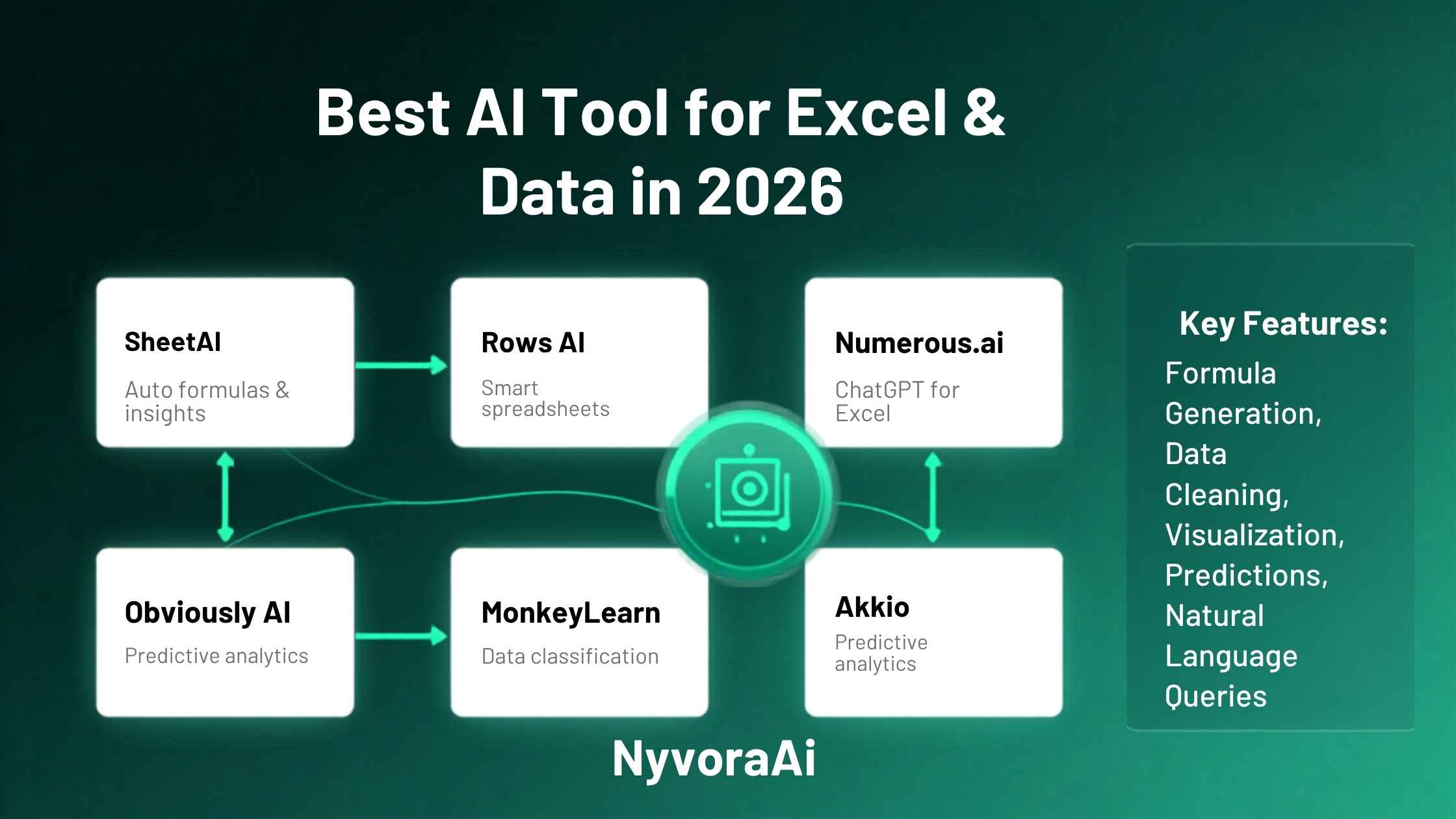
Let's be honest about something: most people who use Excel regularly aren't power users. They know how to enter data, do basic sums, maybe throw in a VLOOKUP when they're feeling brave. The rest, pivot tables, complex nested formulas, conditional formatting rules that actually work, tends to get Googled every time. That's not a skill gap, it's just the reality of how spreadsheet tools are used day to day.
AI fixes that gap pretty well. You can describe what you want in plain English and get back the formula, the explanation, or the cleaned-up dataset you needed, without spending twenty minutes on a forum thread from 2018. But the tools that do this vary a lot in quality, integration, and cost. Some work directly inside Excel or Google Sheets. Others need you to copy your data somewhere else. And a few are genuinely powerful for actual data analysis rather than just formula lookup.
This guide covers the six tools worth knowing about in 2026, what each one is actually good for, and which one you should start with based on what you're trying to do. It's similar in spirit to the kind of tool-by-tool breakdowns we do for other categories, like checking whether Notion AI is worth adding to your workflow or figuring out the best AI SEO tool for bloggers. The same principle applies: match the tool to what you actually need, not what's currently being hyped.
The best AI tool for Excel and data depends on whether you need formula help, actual data analysis, or full automation.
- For Excel users on Microsoft 365: Copilot for Excel is the most seamlessly integrated option if your plan includes it.
- For formula help on any budget: ChatGPT or Claude are fast, free to start, and handle almost any formula question you throw at them.
- For real data analysis with charts: Julius AI is the strongest dedicated tool that doesn't require coding knowledge.
- For Google Sheets users: SheetAI adds AI-powered formula and function generation directly inside the Sheets interface.
01Why AI and Data Work Well Together
Data work is full of tasks that are slow, repetitive, and require syntax knowledge rather than actual analytical thinking. Writing a formula to calculate a rolling 12-month average isn't a thinking task, it's a syntax task. Cleaning a column of messy date formats isn't strategic, it's mechanical. Figuring out which rows to filter before building a pivot table is mostly procedural. AI is very good at all of these things, because they follow patterns that can be described in plain English and translated into code or formula syntax reliably.
What AI isn't good at, and won't be for a while, is deciding what questions to ask of your data in the first place. Figuring out what a trend means for your business, noticing that a spike in one metric is actually a data entry error rather than a real event, knowing which stakeholder cares about which number: all of that still requires human judgment. The most productive way to use AI for data work is to let it handle the syntax and mechanics, while you stay in charge of the thinking.
The Formula Help Use Case Is Underrated
The single most common use of AI in spreadsheet work isn't complex analysis or automation. It's formula help. People describe what they want to calculate in plain English, paste the AI's formula into their spreadsheet, and move on in two minutes instead of twenty. If you've never tried this, do it once. The time saving on a formula you'd otherwise Google for fifteen minutes is immediate and obvious.
02Microsoft Copilot for Excel
If you're already on a Microsoft 365 Business or Enterprise plan, Copilot for Excel is the most frictionless AI tool for spreadsheet work available right now. It lives directly inside Excel, it understands your current spreadsheet context without you having to copy and paste anything, and it can write formulas, create pivot tables, highlight patterns, and generate charts in response to plain-English prompts.
The practical experience is genuinely good for the tasks it handles. Ask it "which month had the lowest revenue and why might that be?" and it'll analyse the data, identify the month, and surface any related patterns it can find in adjacent columns. Ask it "create a formula that calculates the three-month rolling average for column C" and the formula appears in the right cell. It's not magic, but it cuts the mechanical work significantly for spreadsheet-heavy roles.
The catch is access. Copilot for Excel requires a Microsoft 365 Copilot add-on licence, which is priced for business plans and isn't available on personal Microsoft 365 subscriptions at time of writing. If you've got it through work, use it. If you're paying for it personally, the cost-benefit needs careful thought relative to the alternatives below.
03ChatGPT and Claude
For pure formula help, ChatGPT and Claude are both excellent and available for free at a basic level. You describe what you need, paste in a sample of your data layout if necessary, and get back an Excel or Google Sheets formula with a plain-English explanation of how it works. Both tools handle everything from basic SUM and VLOOKUP to complex INDEX-MATCH, XLOOKUP, array formulas, and custom LAMBDA functions.
ChatGPT Plus and Claude Pro can also analyse uploaded spreadsheets directly, which moves them beyond formula help into actual data analysis territory. Upload a CSV or Excel file, ask "what are the top three trends in this data?" and you'll get a summary with observations. It's not as purpose-built for data as Julius AI (below), but if you're already paying for one of these subscriptions and don't need a dedicated data analysis tool, the upload feature is surprisingly capable.
The free tiers don't allow file uploads, but they handle formula questions and data structure advice perfectly well. For a freelancer or small business owner who just needs occasional spreadsheet help, starting here costs nothing.
04Julius AI
Julius is the tool on this list that's most specifically designed for data analysis rather than spreadsheet formula help. You upload a CSV, Excel file, Google Sheet, or database connection, and then ask questions about your data in plain English. Julius generates charts, runs statistical tests, identifies correlations, and produces written summaries of what it finds, all without you needing to write a single line of code or formula.
The quality of its analysis is noticeably better than what you'd get from a general AI assistant on the same task. It understands data types, handles missing values sensibly, and produces charts that are actually readable rather than the generic output you sometimes get from ChatGPT's analysis mode. For anyone who needs to analyse data regularly but doesn't have a data science background, Julius is probably the most immediately useful tool in this whole list.
It's worth noting that Julius works with your data in the cloud rather than locally, so it's not the right choice if you're handling sensitive or confidential datasets that can't leave your own systems.
05Rows
Rows is a modern spreadsheet tool with AI built into the product rather than bolted on as an add-on. It connects directly to data sources like SQL databases, Google Analytics, Stripe, and dozens of other integrations, and lets you analyse and present that data inside a spreadsheet-like interface with AI assistance throughout. Think of it as what you'd get if you crossed Excel with a business intelligence tool and added an AI layer.
It's more powerful than a basic spreadsheet for teams that work with live data from multiple sources, but it's also more complex to set up than simply opening Excel. It's aimed at analysts and data-aware teams rather than casual spreadsheet users. The AI features help with formula writing, data transformation, and generating summaries, but the real value is in the live data connections and the collaborative workspace rather than the AI alone.
06SheetAI
SheetAI is a Google Sheets add-on that brings AI-powered formula generation and data functions directly into Sheets without you leaving the spreadsheet environment. You install it once, and then you can use functions like SHEETAI() inside your cells to generate AI-powered text, categorise data, extract entities from text fields, or write formulas from plain descriptions, all from inside the familiar Sheets interface.
It's the Google Sheets equivalent of what Copilot does for Excel, though it's a third-party tool rather than native. For anyone who lives in Google Sheets rather than Excel, it's the most practical AI addition that doesn't change your existing workflow. The pricing is reasonable for individual use, and it's significantly cheaper than an enterprise Copilot licence.
07Python with AI Assistance
This one isn't a standalone product, it's a workflow. If you're willing to use Python for data analysis, AI tools like ChatGPT and Claude have become genuinely excellent at writing Python code for data tasks. Describe what you want to do with your data, and you'll get working pandas code to clean it, merge it, filter it, reshape it, and visualise it. The AI handles the syntax while you focus on what you're actually trying to find out.
It's the highest-ceiling option on this list, capable of doing things no spreadsheet can match once the data gets complex enough. But it does require some comfort with running code, even if you're not writing it yourself. For anyone already using Python occasionally, or willing to start, this combination with AI assistance is probably the most powerful approach to data work available right now without an enterprise data platform.
08How to Choose the Right Tool for Your Situation
The tool that makes most sense for you depends almost entirely on where your data lives and what you're actually trying to do with it. Here's a quick map of which situation leads where.
Formula help only
ChatGPT or Claude free tier. Describe the formula, get the answer, move on. No subscription needed for this use case.
Already on Microsoft 365
Copilot for Excel if your plan includes it. The integration is seamless and it understands your spreadsheet context automatically.
Google Sheets user
SheetAI add-on. Works inside Sheets without changing your workflow and is far more affordable than enterprise alternatives.
Actual data analysis
Julius AI. Purpose-built for this, produces better charts and summaries than general AI tools on the same task.
Team with live data sources
Rows. Built for collaborative data work across multiple connected sources, with AI throughout.
Complex data at scale
Python with AI assistance. Highest ceiling, needs some code comfort, but genuinely powerful for large or messy datasets.
09Common Mistakes When Using AI for Data Work
This kind of practical tool-matching approach applies across all your AI tools, not just data. Whether you're checking out Otter AI for meeting notes, looking at the best AI tool for podcast editing, evaluating Canva AI for design beginners, or comparing the best free AI video tools, the same logic applies: start with what you actually need before picking the tool. And if video content creation is part of your workflow, Synthesia AI for video creation is worth a look too.
10Try It: AI Prompt Generator for Data Tasks
Click your data challenge below and get a ready-to-use prompt you can copy straight into ChatGPT, Claude, or any AI tool. No more staring at a blank prompt box.
11Frequently Asked Questions
What is the best AI tool for Excel and data in 2026?
Can AI write Excel formulas for me?
Is Microsoft Copilot good for Excel?
What is the best free AI tool for data analysis?
Can AI replace a data analyst?
12Conclusion
The best AI tool for Excel and data in 2026 isn't one single product, it's whichever tool matches your actual situation. If you're already inside Microsoft's ecosystem and your plan covers Copilot, that's the path of least resistance. If you just need formula help a few times a week, ChatGPT or Claude costs nothing to start and handles it well. If you're doing real analysis and want charts and insights without writing code, Julius is worth the subscription. And if you're a Google Sheets user, SheetAI slots into your existing workflow without making you change anything.
Start with the free options, test them against your real data tasks, and pay for a more capable tool only when you've hit the ceiling of what the free version can do. That's usually a few days of actual use rather than a guess based on a feature list.

Written by Varun Lalwani
Varun covers AI tools and practical guides for creators and knowledge workers at NyvoraAI. This article was reviewed in July 2026. Have a data tool you think deserves a look? Get in touch, we read every message.