Let's be real—nobody wakes up excited to spend three hours aligning text boxes and hunting for the perfect stock photo. Yet here we are, countless professionals, students, and entrepreneurs still wrestling with PowerPoint and Google Slides when there's a better way.
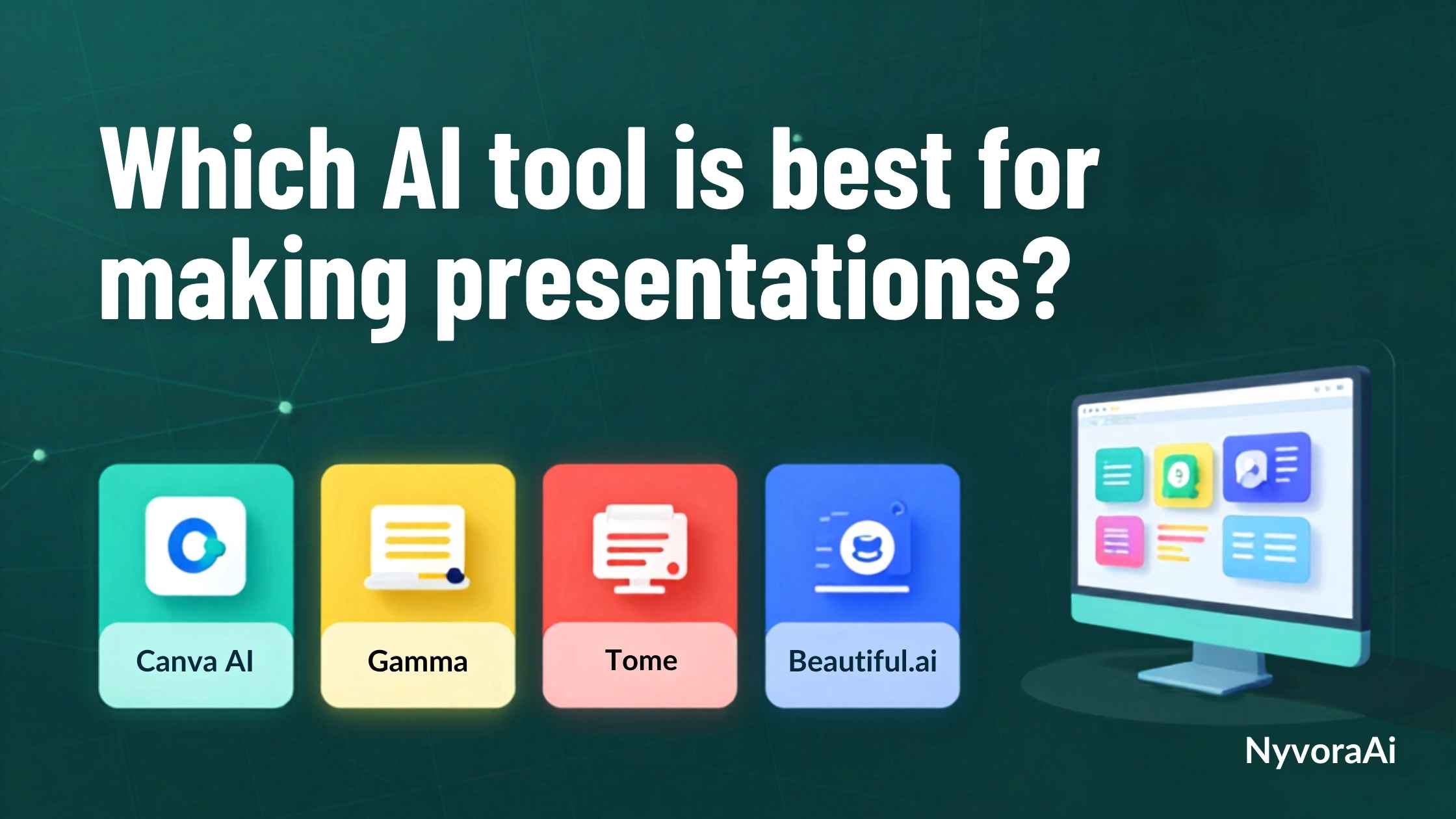
AI presentation tools have exploded in 2026, promising to create stunning decks in minutes instead of hours. But with so many options flooding the market, which AI tool is best for making presentations that actually impress your audience? We didn't just read the marketing copy—we created actual presentations with 12 different AI tools, timing each one, testing their limits, and seeing which ones deliver on their promises.
Whether you're pitching investors, teaching a class, or presenting quarterly results, this guide will help you find the perfect AI presentation maker for your needs. And if you're a student looking for more AI productivity tools, check out our guide on the best AI tool for students 2026 to supercharge your entire workflow.
- Best Overall: Gamma - Creates complete, beautiful presentations from simple prompts in under 5 minutes
- Best for Business: Beautiful.ai - Smart templates that adapt as you add content
- Best for Creatives: Canva AI - Massive template library with AI design assistance
- Best for PowerPoint Users: Microsoft Copilot - AI built directly into PowerPoint
- Best Free Option: Gamma Free - Unlimited AI creations with watermarks
01 Top 7 AI Presentation Tools Tested
After rigorous testing across speed, design quality, ease of use, and export options, these seven tools emerged as the clear winners:
- Creates complete decks from one prompt in minutes
- Stunning modern designs that don't look templated
- Free plan with unlimited AI generations
- Easy editing with AI assistance built-in
- Export to PDF, PPTX, or shareable link
- Smart slides that auto-adjust as you add content
- Professional templates for every use case
- Brand kit integration for consistency
- Analytics to track viewer engagement
- Team collaboration features
- Massive template library (100,000+ designs)
- Magic Design AI creates slides from prompts
- Built-in stock photos, icons, and graphics
- Drag-and-drop simplicity
- Free version very capable
- Narrative-focused presentation format
- AI generates images and text together
- Modern, scrollable deck format
- Great for pitches and portfolios
- Embed interactive elements easily
- AI built directly into PowerPoint
- Create presentations from Word docs
- Familiar interface, no learning curve
- Enterprise-grade security
- Seamless Office 365 integration
02 Gamma: The AI Presentation Revolution
Gamma has quickly become the gold standard for AI-powered presentations, and after testing it extensively, we understand why. It's not just faster—it fundamentally changes how you think about creating slides.
How Gamma Works
Instead of starting with a blank slide, you start with a conversation. Type something like "Create a 10-slide presentation about sustainable marketing strategies for small businesses" and watch the magic happen. Within 60-90 seconds, Gamma generates a complete, professionally designed deck with relevant content, images, and layouts.
But here's what really impressed us: the designs don't look generic. Each slide feels thoughtfully crafted, with varied layouts, appropriate imagery, and cohesive color schemes. The AI understands context—if you're presenting financial data, it chooses professional, clean designs. If it's a creative pitch, the templates are more vibrant and dynamic.
What We Loved
- Speed: Created a 15-slide investor pitch in under 8 minutes (including edits)
- Design Quality: Modern, clean aesthetics that rival custom designs
- Flexibility: Easy to customize without breaking the design
- AI Editing: Can refine individual slides with follow-up prompts
- Export Options: PDF, PowerPoint, or shareable web link
The Catch
The free plan includes a small Gamma watermark, and you're limited to 500 AI credits per month (though this is generous—each presentation uses about 40-50 credits). For most users, the free tier is more than sufficient.
03 Beautiful.ai: Smart Slides for Professionals
Beautiful.ai takes a different approach. Rather than generating entire decks from prompts, it focuses on making each slide intelligent. The templates adapt automatically as you add or remove content, ensuring your presentation always looks polished.
The Smart Template System
Here's the genius: when you add a fourth bullet point to a three-bullet slide, Beautiful.ai automatically reformats the entire slide to maintain visual balance. Change a chart's data, and the visualization updates while keeping your brand colors. It's like having a designer watching your every move, making micro-adjustments to keep everything perfect.
For business users who need consistency across multiple presentations, Beautiful.ai's brand kit feature is invaluable. Upload your logo, set your colors and fonts, and every slide automatically adheres to your brand guidelines. This is huge for marketing teams and agencies managing multiple client accounts.
Best For
- Sales presentations that need to look professional every time
- Corporate teams requiring brand consistency
- Data-heavy presentations with charts and graphs
- Users who want control but need design guardrails
04 Canva AI: Creative Powerhouse
Canva needs no introduction in the design world, but its AI presentation features deserve more attention. Magic Design for presentations combines Canva's massive template library with AI assistance, giving you the best of both worlds.
Why Canva Stands Out
While Gamma and Beautiful.ai excel at generating complete decks, Canva shines when you want creative control. Start with an AI-generated outline, then dive into Canva's library of 100,000+ templates, millions of stock photos, and thousands of design elements. The AI helps with the heavy lifting, but you maintain complete creative freedom.
The Magic Write feature helps craft compelling slide copy, while Magic Design suggests layouts based on your content. Need an image? Canva's AI image generator creates custom visuals on the fly. Want to translate your presentation? One click translates all text into 100+ languages.
The Learning Curve
Canva offers more features than you'll probably ever use, which can be overwhelming. If you just want to create a simple presentation quickly, Gamma might be faster. But if you value creative flexibility and don't mind exploring options, Canva is unmatched.
For those interested in enhancing presentations with AI-generated visuals, our guide on what is Midjourney and how does it work can help you create stunning custom images to embed in your slides.
05 Pricing: What You'll Actually Pay
Let's talk budgets. Here's what these AI presentation tools cost in 2026:
- Gamma (unlimited with watermark)
- Canva (basic AI features)
- Tome (limited creations)
- Google Slides + Duet AI
- Good for occasional use
- Gamma Plus ($10/mo)
- Beautiful.ai ($12/mo)
- Canva Pro ($12.99/mo)
- No watermarks
- Best for regular presenters
- Microsoft Copilot ($20/user/mo)
- Beautiful.ai Teams ($45/mo)
- Brand controls
- Team collaboration
- Analytics & insights
06 Feature Comparison: Side by Side
Here's how the top tools stack up across key features:
| Feature | Gamma | Beautiful.ai | Canva AI | Tome |
|---|---|---|---|---|
| AI Generation Speed | ⚡⚡⚡⚡ | ⚡⚡⚡⚡ | ⚡⚡⚡ | ⚡⚡⚡⚡ |
| Design Quality | ⭐⭐⭐⭐⭐ | ⭐⭐⭐⭐⭐ | ⭐⭐⭐⭐ | ⭐⭐⭐⭐⭐ |
| Ease of Use | Very Easy | Easy | Moderate | Very Easy |
| Free Plan | ✓ Generous | ✗ Trial only | ✓ Good | ✓ Limited |
| PPTX Export | ✓ | ✓ | ✓ | ✗ |
| Team Features | ✓ | ✓✓✓ | ✓✓ | ✓ |
07 How to Choose the Right Tool for You
The "best" AI presentation tool depends entirely on your specific needs. Here's how to choose:
Choose Gamma If:
- You need to create presentations quickly (under 10 minutes)
- You want modern, beautiful designs without effort
- You're on a budget (free plan is excellent)
- You prefer AI doing the heavy lifting
Choose Beautiful.ai If:
- You present regularly for business
- Brand consistency is critical
- You need team collaboration features
- You want smart templates that adapt
Choose Canva AI If:
- You value creative control
- You want access to massive design assets
- You create other content (social media, graphics)
- You don't mind a learning curve
For Research-Heavy Presentations
If your presentations require extensive research and data, consider using Perplexity AI for research to gather information before creating your slides.
For Video Presentations
Planning to enhance your presentations with video? Check out can AI tools help with video editing to create engaging multimedia content.
For Email Follow-ups
After your presentation, you'll likely need to send follow-up emails. Learn how to use AI for email writing to craft compelling follow-ups.
Pro Tips for AI Presentations
Maximize your AI presentation tool with these insider tips:
- Be Specific in Prompts: Instead of "marketing presentation," try "12-slide marketing strategy presentation for eco-friendly skincare brand targeting millennials, including market analysis, competitor comparison, and ROI projections"
- Iterate and Refine: Your first generation won't be perfect. Use the AI editing features to refine individual slides
- Add Personal Touches: AI gets you 80% there. Add your unique insights, stories, and personality for the final 20%
- Check Facts: AI can hallucinate data. Always verify statistics and claims before presenting
- Practice Delivery: Great slides don't guarantee a great presentation. Rehearse your delivery
08 Frequently Asked Questions
Which AI tool is best for making presentations?
Is there a free AI presentation maker?
Can AI create PowerPoint presentations?
How much do AI presentation tools cost?
Are AI presentations professional enough for business?
How long does it take to create a presentation with AI?
Can I use AI presentations for investor pitches?

Written by the NyvoraAI Team
We test and review AI tools to help you work smarter, not harder. This guide was updated in June 2026 with the latest AI presentation tools and features. Have questions about presentation tools? Contact our team or learn more about our mission to democratize AI productivity tools.