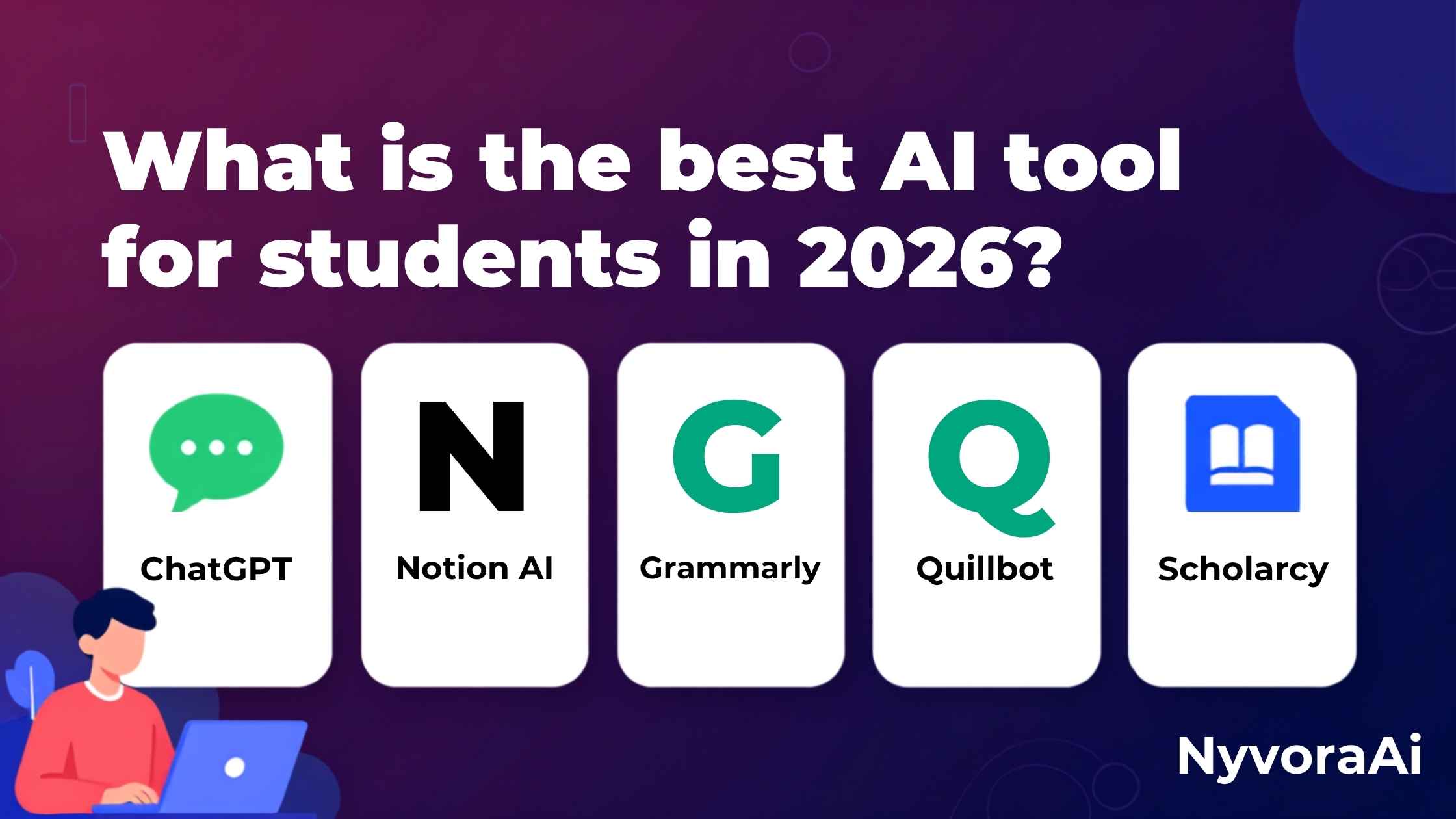
Let's be honest—being a student in 2026 is overwhelming. Between juggling multiple assignments, conducting research, preparing for exams, and trying to maintain some semblance of a social life, it's easy to feel like you're drowning. What if there was a way to work smarter, not harder? Enter AI tools for students.
But here's the problem: with hundreds of AI tools flooding the market, how do you know which ones are actually worth your time (and potentially your money)? That's where we come in. We've spent countless hours testing AI tools specifically for student use cases—from writing essays to solving complex math problems to organizing your entire academic life.
In this comprehensive guide, we'll reveal the best AI tool for students in 2026, compare features and pricing, and help you choose the perfect AI assistant for your academic journey. Whether you're in high school, undergraduate, or graduate school, there's a tool here for you. And if you're curious about how to use AI tools without coding, we've got you covered there too.
- Best Overall: ChatGPT - Versatile, free tier available, excellent for writing, research, and problem-solving.
- Best for Writing: Grammarly - Superior grammar checking, tone detection, and citation help.
- Best for Note-Taking: Notion AI - All-in-one workspace with AI-powered organization and summarization.
- Best for Research: Perplexity AI - Academic-focused search with source citations and research assistance.
- Best Free Option: Google Gemini - Completely free with strong capabilities across multiple subjects.
01 Top 5 AI Tools for Students in 2026
After extensive testing with real students across different disciplines, these five tools consistently delivered the best results for academic success:
- Free version available with solid capabilities
- Helps with essay writing, brainstorming, and explanations
- Can solve math problems and code debugging
- Conversational interface - easy to use
- Student discount on Plus plan ($20/month)
- Advanced grammar and spelling checker
- Tone detection and clarity suggestions
- Plagiarism detection (Premium)
- Citation generator for academic writing
- Works across all platforms and apps
- All-in-one workspace for notes, tasks, and projects
- AI-powered summarization and brainstorming
- Automatic note organization
- Collaboration features for group projects
- Free for students with .edu email
- Academic-focused search engine with AI
- Provides citations and sources automatically
- Great for literature reviews and fact-checking
- Pro version offers advanced research features
- Free tier very capable for students
- Completely free with Google account
- Strong multi-subject capabilities
- Integrates with Google Workspace
- Good for STEM subjects and coding
- Image analysis and visual problem-solving
02 ChatGPT: The Swiss Army Knife for Students
ChatGPT has become the go-to AI assistant for millions of students worldwide, and for good reason. Its versatility is unmatched—you can use it for everything from explaining complex quantum physics concepts to proofreading your English literature essay.
What Students Love About ChatGPT
The free version (GPT-3.5) is surprisingly capable for most student needs. You can ask it to explain difficult concepts in simpler terms, generate study guides from your lecture notes, brainstorm essay topics, or even help debug your Python code. The conversational interface means you can ask follow-up questions just like you would with a tutor.
For students who need more power, ChatGPT Plus ($20/month) gives you access to GPT-4, which is significantly better at complex reasoning, creative writing, and understanding nuanced questions. If you're a content creator student, you might also want to check out what AI tools content creators use daily to enhance your projects.
Best Use Cases
- Essay Writing: Brainstorming outlines, improving clarity, checking grammar
- Study Help: Creating flashcards, summarizing chapters, explaining concepts
- Math & Science: Step-by-step problem solving, formula explanations
- Coding: Debugging, learning new programming languages, code optimization
03 Grammarly: Your Personal Writing Coach
If you've ever submitted an essay and immediately spotted three typos, you know the pain Grammarly solves. This AI-powered writing assistant goes far beyond simple spell-check, acting as a comprehensive writing coach that helps you communicate more clearly and professionally.
Why Grammarly Stands Out
Grammarly's free version catches grammar, spelling, and punctuation errors across any platform—whether you're writing in Google Docs, Microsoft Word, or even composing emails. The Premium version ($12/month for students) adds advanced features like tone detection, plagiarism checking, vocabulary enhancement suggestions, and citation formatting for APA, MLA, and Chicago styles.
What really sets Grammarly apart is its ability to adapt to different writing contexts. Writing a formal research paper? It'll suggest more academic language. Drafting a casual discussion post? It'll keep things conversational. This contextual awareness is invaluable for students juggling different types of assignments.
04 Notion AI: Organize Your Academic Life
Notion has long been a favorite among students for note-taking and organization, but Notion AI takes it to the next level. Imagine having an AI assistant that can automatically summarize your lecture notes, generate study questions from your readings, and help you brainstorm project ideas—all within the same workspace where you organize your entire life.
The All-in-One Solution
Notion AI integrates seamlessly with Notion's powerful database and note-taking features. You can create a class dashboard with assignment deadlines, lecture notes, and study materials, then use AI to extract action items from meeting notes, translate content into different languages, or even write first drafts of essays.
Best of all, Notion offers a free Personal Pro plan for students with a valid .edu email address, which includes unlimited blocks and file uploads. The AI features require a separate add-on ($10/month), but many students find the productivity boost worth the investment.
05 Perplexity AI: Research Made Simple
Research papers don't have to be painful. Perplexity AI is like having a research librarian available 24/7, helping you find credible sources, summarize academic papers, and organize your findings. For a detailed guide on using this tool effectively, check out our article on how to use Perplexity AI for research.
Academic Research, Simplified
Unlike traditional search engines that give you a list of links, Perplexity provides direct answers with citations. Ask it "What are the main theories of cognitive development?" and it'll give you a comprehensive answer with references to Piaget, Vygotsky, and other key researchers—complete with links to sources.
The Pro version ($20/month) offers access to academic databases, advanced search filters, and the ability to upload and analyze PDFs. For graduate students or anyone doing serious research, this can save countless hours.
06 Best Free AI Tools for Budget-Conscious Students
Not every student can afford premium subscriptions. Fortunately, there are excellent free options that won't compromise your academic success:
| Tool | Free Features | Best For | Limitations |
|---|---|---|---|
| ChatGPT | GPT-3.5, unlimited messages | General assistance | Slower, less advanced than GPT-4 |
| Google Gemini | Full access, image analysis | Multi-subject help | Occasionally less accurate |
| Grammarly | Grammar & spelling check | Basic writing help | No plagiarism check or tone detection |
| Notion | Free for students | Organization | AI features require paid add-on |
| Perplexity | Unlimited searches | Research | Limited Pro features |
07 Student Pricing: What You'll Actually Pay
Let's talk money. Here's what popular AI tools cost for students in 2026:
- ChatGPT (GPT-3.5)
- Google Gemini
- Grammarly Basic
- Notion (Student)
- Perplexity Basic
- Grammarly Premium
- Notion AI add-on
- Basic AI writing tools
- Good for undergraduates
- Student discounts available
- ChatGPT Plus (GPT-4)
- Perplexity Pro
- Advanced research tools
- Priority access
- Best for grad students
Pro Tip: Many tools offer student discounts with a valid .edu email. Always check before paying full price!
08 How to Choose the Right AI Tool for Your Needs
The "best" AI tool depends entirely on your specific situation. Here's how to choose:
For High School Students
Focus on free tools like ChatGPT and Grammarly for essay writing and homework help. Notion is excellent for organizing assignments and study schedules. If you're creating visual projects, you might also explore what is Midjourney and how does it work for creative assignments.
For Undergraduate Students
Invest in Grammarly Premium for thesis writing and consider ChatGPT Plus for complex problem-solving. Perplexity AI is invaluable for research papers and literature reviews.
For Graduate Students & Researchers
Perplexity Pro is worth every penny for academic research. Combine it with Notion AI for organizing your thesis or dissertation. For writing assistance, compare Gemini vs ChatGPT for writing to find your perfect match.
For Visual & Creative Projects
If your coursework involves design or visual content, check out the best AI tool for making images to complement your written work.
Ethical Use of AI in Academia
Before you dive in, let's address the elephant in the room: Is using AI cheating? The answer isn't black and white.
Acceptable uses:
- Brainstorming ideas and outlines
- Explaining difficult concepts
- Grammar and proofreading assistance
- Organizing notes and research
- Generating study questions
Unacceptable uses:
- Writing entire essays and submitting as your own
- Solving exam questions during tests
- Generating fake citations or data
- Bypassing learning objectives
Always: Check your institution's AI policy and cite AI assistance when required. Use AI as a tool to enhance your learning, not replace it.
09 Frequently Asked Questions
What is the best AI tool for students in 2026?
Are there free AI tools for students?
Can AI tools help with studying and homework?
Is it cheating to use AI tools for schoolwork?
How much do AI tools for students cost?
Which AI tool is best for research papers?
Do AI tools work for STEM subjects?

Written by the NyvoraAI Team
We test and review AI tools to help students succeed academically. This guide was updated in June 2026 with the latest features, pricing, and student discounts. Have questions about AI tools for education? Contact our team or learn more about our mission to make AI accessible for all learners.