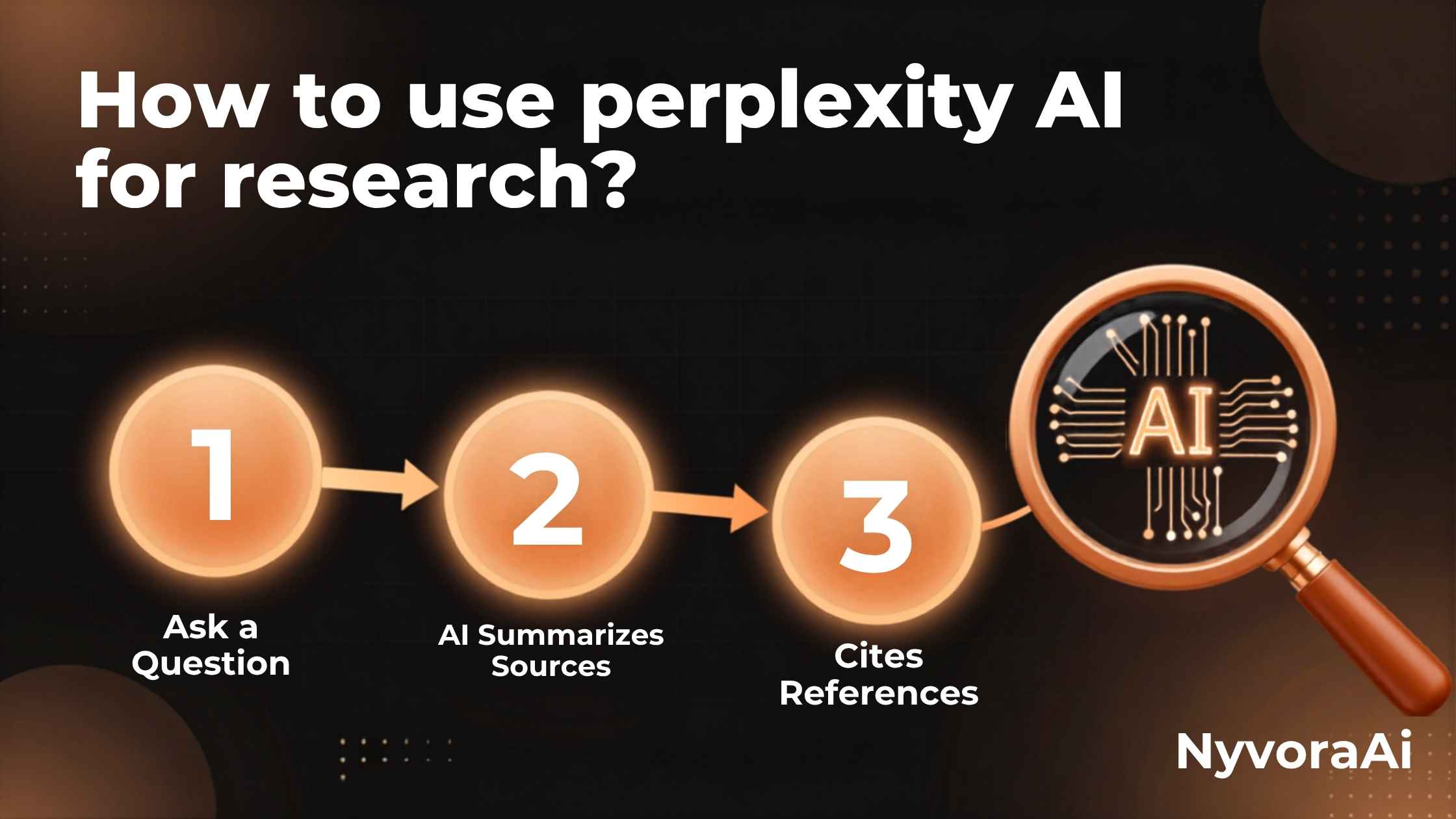
Research has evolved dramatically in the AI era. Gone are the days of sifting through endless Google results or spending hours in library databases. Enter Perplexity AI—a revolutionary research tool that combines the power of conversational AI with real-time web search and academic databases. If you're wondering how to use Perplexity AI for research, you're in the right place.
Whether you're a student working on a thesis, a professional conducting market research, or a content creator fact-checking articles, this comprehensive guide will show you exactly how to leverage Perplexity AI to its full potential. We'll cover everything from basic searches to advanced techniques that most users never discover. Plus, if you're new to AI tools, you might want to check out how to use AI tools without coding to build your foundational skills.
- Start Simple: Type natural language questions like you would ask a research librarian
- Use Focus Modes: Select Academic, Writing, or Wolfram for specialized searches
- Enable Pro Search: For complex queries, toggle Pro Search for deeper analysis
- Follow Up: Ask clarifying questions to refine and expand your research
- Verify Sources: Always check the cited sources for credibility and accuracy
- Organize with Collections: Save related searches in collections for easy reference
- Export Findings: Download your research in PDF, Word, or other formats
01 What Is Perplexity AI?
Perplexity AI is an AI-powered search engine and research assistant that provides conversational answers with cited sources. Unlike traditional search engines that give you links, Perplexity reads multiple sources and synthesizes information into clear, concise answers—complete with citations so you can verify the information.
Key Features That Make It Powerful
- Real-Time Search: Access current information from across the web
- Academic Databases: Search scholarly articles and research papers
- Citation System: Every claim is backed by verifiable sources
- Conversational Interface: Ask follow-up questions naturally
- File Upload: Upload PDFs, images, and documents for analysis (Pro)
- Collections: Organize research topics into folders
02 Getting Started: Your First Research Session
Starting your research journey with Perplexity AI is straightforward, but there are some best practices that will significantly improve your results. Here's how to set up and conduct your first effective research session.
Create Your Account
Visit perplexity.ai and sign up for a free account. While you can use it without an account, creating one unlocks collections, search history, and personalized features. If you're comparing AI tools for your business needs, you might also want to explore which AI tool is best for small businesses.
Choose Your Interface
Perplexity offers web, mobile (iOS/Android), and desktop apps. For serious research, the desktop version provides the best experience with larger screens and easier multitasking.
Understand the Layout
The interface has three main areas: the search bar at top, results in the center, and related questions at bottom. Familiarize yourself with these before diving deep.
03 Basic Search Techniques That Work
The quality of your research output depends heavily on how you phrase your questions. Here are proven techniques to get better answers from Perplexity AI.
Ask Specific, Detailed Questions
Instead of asking "climate change," try "What are the latest findings on climate change impacts on coastal cities in 2026?" Specificity yields better, more targeted results.
Use Natural Language
Perplexity understands conversational queries. Ask questions the way you would ask a research librarian or colleague. This is similar to how content creators use AI tools daily for research and fact-checking.
Break Complex Topics into Parts
For broad topics, start with an overview question, then drill down into specific aspects through follow-up questions. This conversational approach helps you build comprehensive understanding.
04 Advanced Features for Power Users
Once you've mastered the basics, these advanced features will take your research to the next level. These tools separate casual users from research professionals.
Pro Search (Copilot Mode)
Pro Search asks clarifying questions before answering, ensuring it understands exactly what you need. It's perfect for complex, multi-faceted research questions. This feature is particularly useful when you need comprehensive answers similar to what you'd get from comparing different AI models for specific tasks.
File Upload & Analysis
Pro users can upload PDFs, Word documents, images, and spreadsheets. Perplexity will analyze the content and answer questions about it. This is invaluable for:
- Summarizing long research papers
- Extracting data from documents
- Comparing multiple sources
- Analyzing charts and graphs in images
Collections & Organization
Create themed collections for different projects. For example, separate collections for "Market Research," "Academic Sources," and "Competitor Analysis." This keeps your research organized and easily accessible.
API Access
Pro users get API access to integrate Perplexity into workflows, build custom applications, or automate research tasks. This is powerful for businesses and developers.
05 Focus Modes: Specialized Search Types
Perplexity offers different focus modes that optimize search for specific purposes. Choosing the right mode dramatically improves result quality.
| Focus Mode | Best For | Source Type |
|---|---|---|
| All | General research | Web + Academic |
| Academic | Scholarly work | Peer-reviewed papers |
| Writing | Creative content | Web + Books |
| Wolfram | Math & data | Computational knowledge |
| YouTube | Video content | Video transcripts |
| Community insights | Forum discussions |
When to Use Each Mode
- Academic Mode: Theses, literature reviews, scientific research
- Writing Mode: Blog posts, articles, creative projects
- Wolfram Mode: Statistical analysis, mathematical queries, factual data
- YouTube Mode: Video tutorials, interviews, visual explanations
- Reddit Mode: Real-world experiences, community opinions, troubleshooting
06 Pro Tips & Tricks from Expert Researchers
These insider techniques will help you extract maximum value from Perplexity AI and conduct research like a professional.
1. Chain Your Questions Strategically
Start broad, then narrow down. For example:
- "What is quantum computing?"
- "What are the latest breakthroughs in quantum computing?"
- "How are these breakthroughs being applied in cryptography?"
2. Use Quotation Marks for Exact Phrases
Searching for "machine learning algorithms" (with quotes) finds that exact phrase, while without quotes finds pages containing those words separately.
3. Request Specific Formats
Ask for information in specific formats: "Give me a comparison table," "List the top 5 points," or "Summarize in 100 words."
4. Cross-Reference with Other Tools
While Perplexity is powerful, combine it with other tools for comprehensive research. For visual content creation, check out the best AI tools for making images to complement your written research.
5. Set Up Alerts
Save important searches and check back regularly for updates. Perplexity provides real-time information, so new developments will appear in updated searches.
07 Using Perplexity AI for Academic Research
Students and academics can leverage Perplexity AI for literature reviews, thesis research, and staying current in their fields. Here's how to use it effectively for academic work.
Literature Review Workflow
- Start with Academic Mode: Always enable Academic focus for scholarly sources
- Search by Topic: Ask broad questions about your research area
- Identify Key Papers: Note frequently cited sources in the results
- Find Gaps: Ask "What are the limitations of current research on [topic]?"
- Track Citations: Use the citation numbers to access original papers
- Organize in Collections: Group papers by theme or methodology
Citation and Attribution
Always verify sources before citing them in academic work. Perplexity provides citations, but you should:
- Click through to read the full source
- Verify the source is peer-reviewed and credible
- Check publication dates for currency
- Cross-reference with Google Scholar for completeness
08 Frequently Asked Questions
How to use Perplexity AI for research effectively?
Is Perplexity AI good for academic research?
What is the difference between Perplexity AI free and Pro?
Can Perplexity AI replace Google Scholar?
How accurate is Perplexity AI for research?
Can I use Perplexity AI for free?
Does Perplexity AI cite sources?

Written by the NyvoraAI Team
We test and review AI tools to help you work smarter. This guide was updated in June 2026 with the latest Perplexity AI features. Have questions? Contact our team or learn more about our mission.