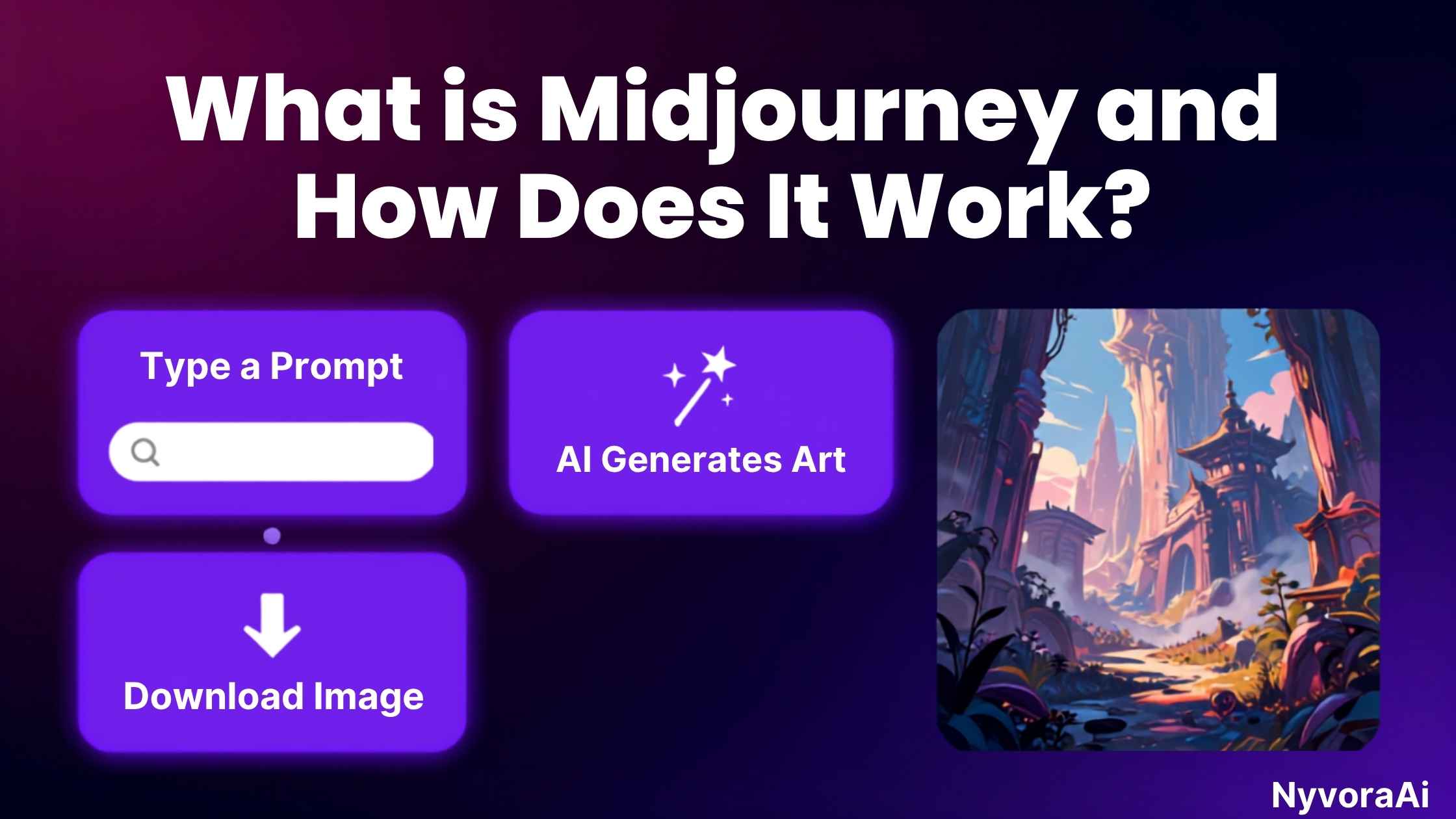
Imagine describing a dream in vivid detail and watching it materialize before your eyes within seconds. That's the magic of Midjourney—an AI-powered image generator that has captured the imagination of artists, designers, marketers, and creative enthusiasts worldwide. But what is Midjourney and how does it work exactly? If you're curious about this revolutionary tool, you're in the right place.
In this comprehensive guide, we'll demystify Midjourney, exploring its inner workings, capabilities, and how you can harness its power to create breathtaking visual content. Whether you're a complete beginner or someone looking to deepen their understanding, this guide will equip you with everything you need to know. For those just starting their AI journey, you might also want to explore how to use AI tools without coding to build your confidence with AI technology.
- What it is: Midjourney is an AI image generator that creates unique artwork from text descriptions using advanced machine learning models.
- How it works: It uses diffusion models trained on millions of images to gradually transform random noise into coherent, beautiful images based on your text prompts.
- Access method: Primarily through Discord using the /imagine command, with a web interface in alpha.
- Best for: Artistic, creative, and imaginative imagery with exceptional aesthetic quality.
- Pricing: Starts at $10/month with no permanent free tier available.
01 What Exactly Is Midjourney?
Midjourney is an independent research lab's AI image generation tool that launched in 2022 and quickly became one of the most popular and respected AI art generators in the world. Unlike traditional design software that requires manual skills, Midjourney allows anyone to create stunning visuals simply by describing what they want to see in natural language.
What sets Midjourney apart from competitors like DALL-E or Stable Diffusion is its distinctive artistic style and aesthetic sensibility. The tool doesn't just generate images—it creates art with a painterly quality, dramatic lighting, and compositional sophistication that often rivals human-created artwork. It's particularly renowned for fantasy art, concept design, surreal imagery, and creative explorations that push the boundaries of imagination.
The Midjourney Philosophy
Midjourney prioritizes beauty, creativity, and artistic interpretation over photorealism or strict accuracy. This makes it the go-to choice for artists, designers, and creatives who value aesthetic excellence and imaginative expression.
The Technology Behind the Magic
At its core, Midjourney uses a type of artificial intelligence called a diffusion model. Think of it like this: imagine starting with a canvas covered in random TV static (noise), and then gradually, intelligently refining that chaos into a coherent image that matches your description. That's essentially what happens when you type a prompt into Midjourney.
The AI has been trained on millions—perhaps billions—of images paired with text descriptions. Through this training, it has learned to recognize patterns, understand artistic styles, and grasp the relationship between words and visual elements. When you enter a prompt, the model draws upon this vast knowledge to generate something entirely new that aligns with your vision.
02 How Does Midjourney Actually Work?
Understanding the technical process behind Midjourney can help you use it more effectively. Let's break down the journey from text prompt to finished image:
Type a text description of what you want to see. The more specific and descriptive you are, the better the results.
Midjourney's model processes your text, identifying key elements, styles, moods, and compositional cues.
The system starts with random visual noise—essentially digital static with no coherent pattern.
Through multiple iterations, the AI gradually refines the noise, shaping it toward your description.
After 30-60 seconds, you receive four unique image variations based on your prompt.
Choose your favorite to upscale to higher resolution or create variations for more options.
The Diffusion Process Explained
The diffusion process is fascinating from a technical perspective. During training, the AI learns by taking clear images and gradually adding noise to them until they become pure static. It learns to reverse this process—starting with noise and removing it step by step to reveal a coherent image.
When you generate an image, Midjourney uses what it learned during training to guide the denoising process toward creating an image that matches your text prompt. It's like having an artist who can paint by starting with chaos and gradually bringing order to it, all while following your instructions.
03 Getting Started with Midjourney
Ready to start creating? Here's your step-by-step guide to accessing and using Midjourney:
Step 1: Create a Discord Account
Midjourney operates primarily through Discord, a popular communication platform. If you don't have a Discord account, you'll need to create one at discord.com. The process is free and straightforward—just provide an email address, create a username, and verify your account.
Step 2: Join the Midjourney Discord
Visit midjourney.com and click "Join the Beta." This will invite you to the official Midjourney Discord server, where millions of users share their creations and generate new images daily.
Step 3: Subscribe to a Plan
Unlike some AI tools, Midjourney doesn't offer a permanent free tier. You'll need to choose a subscription plan. Visit the Midjourney website, click "Subscribe," and select the plan that fits your needs. Payment is processed through Discord.
Step 4: Start Creating
Once subscribed, navigate to any "newbies" channel in the Midjourney Discord server (like #newbies-1, #newbies-2, etc.) and type /imagine followed by your prompt. Alternatively, you can direct message the Midjourney bot for a more private experience.
Web Interface Available
Midjourney is rolling out a web-based interface for subscribers, offering an alternative to Discord. While still in alpha, it provides a more traditional web app experience for generating and managing your images.
04 Mastering the Art of Prompt Writing
The quality of your Midjourney images depends heavily on your prompts. Learning to write effective prompts is both an art and a science. Here's how to craft prompts that deliver stunning results:
The Basic Prompt Structure
A strong Midjourney prompt typically includes:
- Subject: What you want to see (person, object, scene)
- Style: Artistic style or medium (oil painting, photograph, illustration)
- Details: Specific characteristics, colors, lighting
- Mood/Atmosphere: Emotional tone (dramatic, peaceful, mysterious)
- Composition: Framing, angle, perspective
- Quality modifiers: Terms like "highly detailed," "8K," "professional"
Advanced Prompt Techniques
Once you've mastered the basics, try these advanced techniques:
- Aspect Ratios: Add
--ar 16:9for widescreen or--ar 2:3for portrait orientation - Style References: Mention specific artists with "in the style of [artist name]"
- Quality Boosters: Use
--v 6for the latest version or--q 2for higher quality - Chaos Parameter: Add
--c 50(0-100) to increase variation and creativity - Stylize: Use
--s 750(0-1000) to control artistic freedom vs. prompt adherence
05 Midjourney Pricing: What You'll Pay
Understanding Midjourney's pricing structure helps you choose the right plan for your needs. Here's a breakdown of the current subscription options:
- 200 images per month
- Personal license
- Standard generation speed
- Access to all features
- Commercial use allowed
- Unlimited images
- Relaxed mode generation
- Personal & commercial license
- Faster processing
- Best for regular users
- Unlimited images
- Stealth mode (private)
- Priority generation
- Full commercial rights
- Best for professionals
- Unlimited everything
- Maximum fast hours
- Stealth mode included
- Top priority queue
- For power users
For small business owners evaluating AI tools, it's worth comparing costs across platforms. Check out our guide on which AI tool is best for small businesses to make an informed decision that fits your budget.
06 What Can You Create with Midjourney?
The applications for Midjourney are virtually limitless. Here are some of the most popular use cases:
For Content Creators
Content creators use Midjourney to generate unique visuals for YouTube thumbnails, blog post featured images, social media graphics, and podcast cover art. The ability to create custom, eye-catching visuals without hiring a designer is a game-changer. If you're curious about what AI tools content creators use daily, Midjourney is consistently at the top of that list.
For Designers & Artists
Professional designers use Midjourney for concept art, mood boards, client presentations, and creative exploration. It's an excellent tool for rapid prototyping and brainstorming visual ideas before committing to detailed work.
For Marketers
Marketing teams leverage Midjourney to create ad visuals, product mockups, campaign concepts, and brand imagery. The speed and cost-effectiveness make it ideal for testing multiple creative directions.
For Hobbyists
Many people simply enjoy creating art for personal projects—custom wallpapers, greeting cards, fantasy character designs, or just exploring their creativity. Midjourney makes artistic expression accessible to everyone.
| Use Case | Best For | Difficulty |
|---|---|---|
| Social Media Graphics | Quick, eye-catching posts | Easy |
| Concept Art | Characters, environments, worlds | Medium |
| Product Design | Mockups, prototypes | Medium |
| Fine Art | Abstract, painterly works | Advanced |
| Book Covers | Genre-specific imagery | Medium |
07 Pro Tips for Better Results
Maximize your Midjourney experience with these insider tips:
- Use Image References: Upload an image URL with your prompt using
--iw 2to influence the style and composition - Experiment with Seeds: Use
--seed [number]to reproduce similar results or create variations - Combine Prompts: Use double colons
::to weight different parts of your prompt differently - Study the Community: Browse the Midjourney showcase and Discord channels to see what others are creating
- Iterate Relentlessly: Rarely is the first result perfect. Use variations (V1-V4) and remixes to refine
- Learn from Failures: Analyze what went wrong with disappointing results and adjust your prompts accordingly
Common Mistakes to Avoid
- Being too vague ("a beautiful landscape" vs. "misty mountain landscape at sunrise, pine trees, lake reflection")
- Overloading prompts with contradictory elements
- Expecting photorealistic text rendering (Midjourney struggles with text)
- Not using parameters to control output
- Giving up after one attempt—persistence pays off
08 Frequently Asked Questions
What is Midjourney and how does it work?
Is Midjourney free to use?
How do I access Midjourney?
What makes Midjourney different from other AI art generators?
Can I use Midjourney images commercially?
How long does it take to generate an image?
Is Midjourney better than DALL-E or Stable Diffusion?
What are Midjourney parameters?
Comparing Midjourney to Alternatives
While Midjourney is exceptional, it's not the only AI image generator available. Understanding how it compares to alternatives helps you choose the right tool for your needs. For a comprehensive comparison of the best AI tool for making images, check out our detailed analysis.
If you're exploring AI writing tools alongside image generation, you might find our comparison of Gemini vs ChatGPT for writing helpful for your content creation workflow.

Written by the NyvoraAI Team
We test and review AI tools to help you make informed decisions. This guide was updated in June 2026 with the latest Midjourney features and pricing. Have questions about AI image generators? Contact our team or learn more about our mission to demystify AI technology.