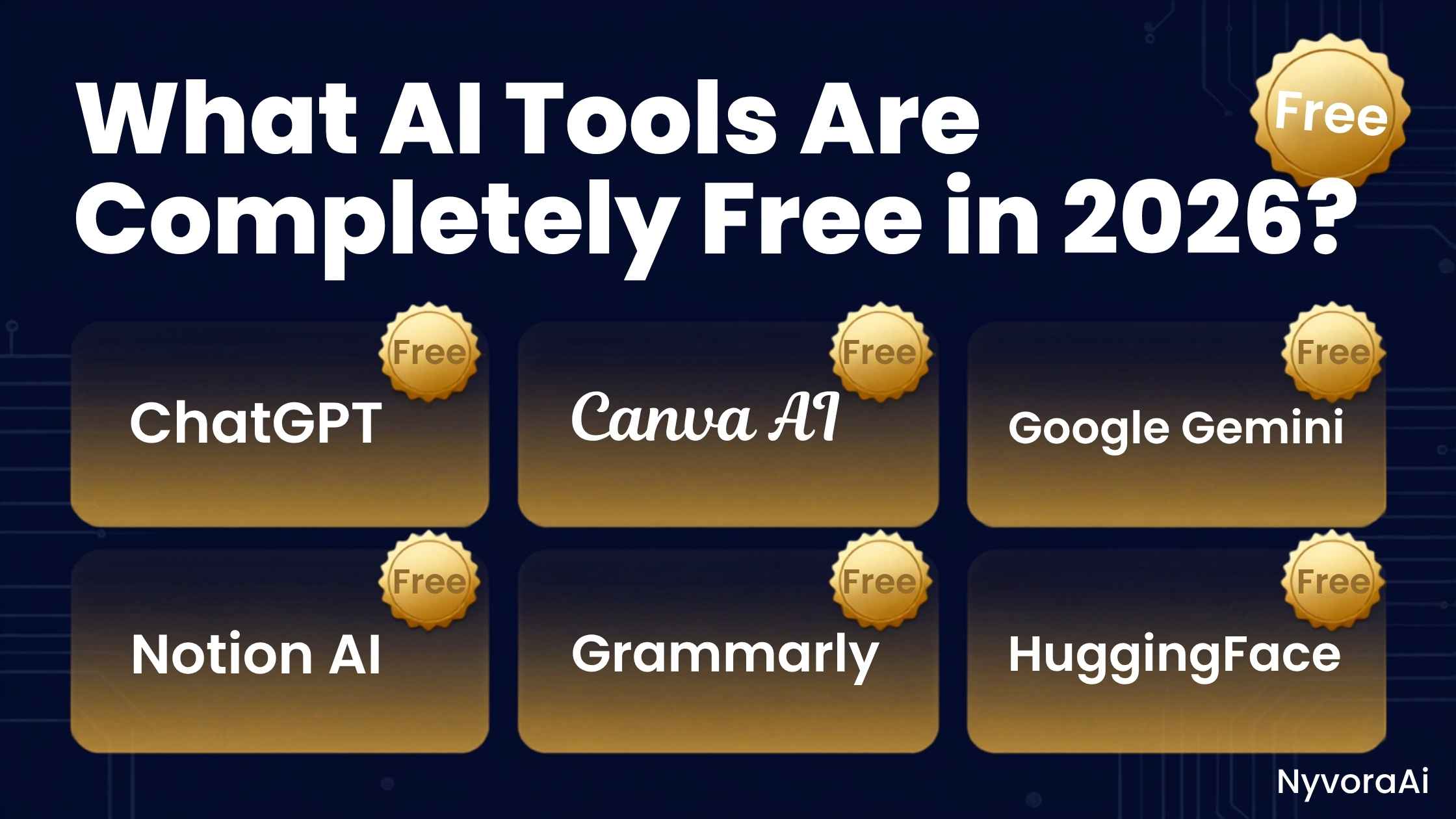
We’ve all been there. You find an amazing AI tool, spend twenty minutes learning how to use it, craft the perfect prompt, and then—bam. A pop-up appears telling you that you’ve hit your free limit and need to enter a credit card to continue. It is incredibly frustrating, and it makes a lot of people give up on AI entirely.
But here is the good news for 2026: the landscape has shifted. While premium subscriptions still exist for power users, the completely free AI tools available today are more powerful, more capable, and more generous than the paid tools from just two years ago. You no longer need to spend a dime to write professional emails, generate stunning images, summarize massive documents, or even code a basic website.
In this comprehensive guide, we are going to cut through the marketing fluff. We will show you exactly what AI tools are completely free in 2026, what their actual limitations are, and how to use them to get professional results without ever pulling out your wallet.
If you want a complete, professional-grade AI setup without spending a single cent, this is the combination you need:
- For Text & Chat: ChatGPT (Free) or Google Gemini (Free)
- For Writing & Editing: Claude (Free Tier)
- For Research: Perplexity AI (Free)
- For Images: Microsoft Copilot / Bing Image Creator (Free)
- For Video Editing: CapCut (Free Desktop/Mobile App)
01The "Free" Reality Check: Freemium vs. Completely Free
Before we dive into the list, we need to be honest about what "completely free" means in the AI world. Very few enterprise-grade AI tools are 100% free with zero limits, because running these massive models costs companies millions of dollars in server power.
Instead, the market is dominated by the "Freemium" model. This means the core tool is completely free to use forever, but there are guardrails. These guardrails usually look like:
- Message Limits: You can send a certain number of messages every 3 to 5 hours.
- Model Access: You get access to a slightly older or smaller version of their smartest model (though in 2026, the "free" models are still incredibly smart).
- Peak Time Throttling: During busy hours, free users might experience slower response times.
For 95% of casual users, students, and even many professionals, these free tiers are more than enough. You will rarely hit the limits unless you are using the AI to automate thousands of tasks a day. If you are just starting out and want to know how an AI chatbot works for beginners, the free tiers are the perfect sandbox to learn without any financial commitment.
02Top Free Text & Chat AI Tools in 2026
These are the heavy hitters. If you need an AI to write, brainstorm, code, or answer questions, these are the best completely free options available right now.
The undisputed king of AI chatbots. The free tier now includes access to GPT-4o mini, which is shockingly capable for zero dollars.
- Access to advanced reasoning models
- Voice mode available on mobile
- Image analysis via camera upload
- Customizable instructions
Google’s powerhouse. Unlike ChatGPT's free tier, Gemini gives you real-time access to the live internet for current events and facts.
- Live web search integration
- Deep Google Workspace integration
- Excellent at summarizing YouTube videos
- Completely free with a Google account
Here is a massive secret: Microsoft gives you free access to the premium GPT-4 model through Copilot, along with DALL-E 3 image generation.
- Free access to GPT-4 logic
- Built-in DALL-E 3 image creation
- Cites sources for all factual claims
- Multiple conversation styles
Created by Anthropic, Claude is beloved by writers. Its free tier allows you to process massive documents and produces the most human-like text.
- Natural, non-robotic writing style
- Massive context window for long PDFs
- Excellent at nuanced editing
- Generous daily free message limits
If you are trying to decide between the big two, we break down the specifics of ChatGPT's pricing and setup in our detailed guide on is ChatGPT free and how to sign up. Spoiler alert: the free version is all most people will ever need.
03Top Free AI Image Generators
You don't need to pay for Midjourney to get stunning AI art anymore. The free image generators in 2026 are incredibly photorealistic and easy to control.
Microsoft Copilot (Bing Image Creator)
This is the absolute best free image generator. It uses DALL-E 3, meaning the image quality is top-tier. You get 15 "boosts" a day for fast generation, but even after they run out, you can still generate images for free (it just takes a few seconds longer).
Leonardo.AI
If you want more control over your images (like specific art styles, aspect ratios, or character consistency), Leonardo is incredible. They give you 150 free credits every single day, which resets daily. It is more than enough to generate dozens of high-quality images daily.
Ideogram
Ideogram is the undisputed king of free AI text rendering. If you need an AI to generate an image with perfect, legible spelling on a t-shirt or a neon sign, Ideogram handles it flawlessly on its free tier.
04Top Free AI Video & Audio Tools
Video and audio AI used to be strictly paywalled, but smart companies now use free tiers to hook users. Here is what you can use without paying.
- CapCut (Desktop & Mobile): While technically a video editor, CapCut is packed with completely free AI features. It includes auto-captions that are 99% accurate, AI background removal, and even an AI script-to-video generator. It is completely free to use without watermarks.
- ElevenLabs (Free Tier): The gold standard for AI voice generation. The free tier gives you 10,000 characters per month (about 10 minutes of audio). It is perfect for creating voiceovers for YouTube shorts or personal projects.
- Adobe Podcast (Enhance Speech): This is a completely free, web-based tool that uses AI to make terrible microphone audio sound like it was recorded in a professional studio. It is magic for podcasters and students.
05How to Maximize Your Free AI Limits
Since free tools have limits, you need to be smart about how you use them. The biggest mistake beginners make is treating the AI like a search engine, asking it 50 rapid-fire, poorly thought-out questions and burning through their daily limit in ten minutes.
To get the most out of these free tools, you need to master the art of the prompt. A well-crafted prompt gets you the right answer on the first try, saving your message limits for when you really need them. If you need a crash course on this, our guide on how to write your first prompt for AI will teach you the exact formulas the pros use to get perfect results on the first attempt.
Pro Tip: The "Context" Trick
Instead of starting a new chat for every question, keep a single chat thread open for a specific project. AI tools remember the context of the conversation. By giving the AI background information at the start of a thread, your subsequent prompts can be much shorter and simpler, saving you time and reducing the chance of confusing the model.
06What Can You Actually Do With Free AI?
Sometimes it is hard to imagine how these tools fit into your actual life. If you are wondering what you can use AI for at home, the applications are practically endless. Here is a realistic "day in the life" using only free AI tools:
- Morning: Ask Gemini to summarize the top 5 news headlines in your industry and plan a healthy breakfast based on the ingredients left in your fridge.
- Work/School: Paste a messy, 20-page PDF report into Claude and ask it to extract the 3 most important action items and draft a professional summary email to your team.
- Afternoon: Use Microsoft Copilot to generate a custom, royalty-free image of a "modern minimalist home office" for a presentation you are building.
- Evening: Record a voice memo of your thoughts for a blog post, run it through Adobe Podcast Enhance to clean up the background noise, and use CapCut to automatically generate subtitles for a short video.
All of that was done for exactly $0.00. The barrier to entry for professional-grade productivity has completely vanished.
07Using Free AI on the Go
You aren't just going to use these tools at your desk. The mobile experience for free AI in 2026 is phenomenal. Almost all the tools mentioned above have dedicated, highly-rated apps for both iOS and Android.
If you want to know which apps are worth the storage space on your phone and which ones are just clunky websites wrapped in an app icon, we did the heavy lifting for you. Check out our comprehensive ranking of the best AI apps for phone users to see which free tools offer the best mobile interfaces, battery efficiency, and voice capabilities.
08Frequently Asked Questions
Are there any truly free AI tools in 2026?
What is the best completely free AI for writing?
Can I generate AI images for free in 2026?
Do free AI tools have limits?
Is it safe to use free AI tools?
Will free AI tools eventually become paid?

Written by the NyvoraAI Team
We believe powerful technology should be accessible to everyone, regardless of their budget. This guide was rigorously tested and updated in June 2026. Have a favorite free AI tool we missed? Let us know—we love discovering new hidden gems!