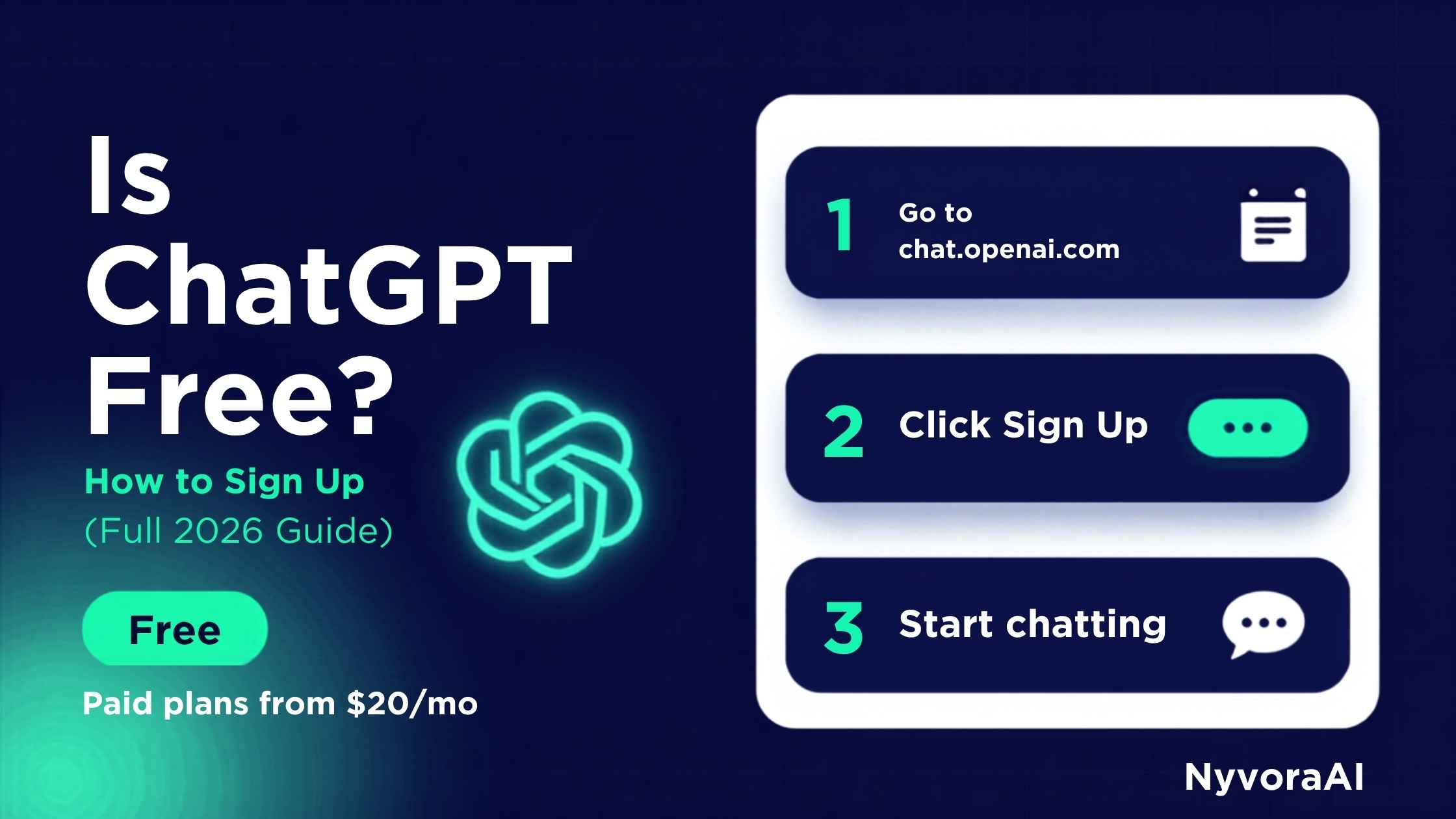
Every week, millions of people search for "is ChatGPT free and how do I sign up?" — and honestly, it's a completely reasonable thing to wonder. The AI world moves fast, pricing changes, and there's a lot of confusion between what's free and what costs money.
So let's cut through all the noise right now. ChatGPT does have a free plan, and it's genuinely capable. But there are real differences between free and paid that will affect your experience. Let's break it all down clearly, then walk you through signing up.
If this is your first time exploring AI tools, we have a complete guide on what artificial intelligence actually is in simple terms — great context before you dive into ChatGPT.
- Yes — ChatGPT has a free plan, no credit card required
- Free gives you access to a capable AI model with daily limits
- ChatGPT Plus costs $20/month for access to more powerful models
- Signup takes under 5 minutes with just an email address
- There are also free alternatives: Claude, Gemini, Copilot
01Is ChatGPT Actually Free? The Honest Answer
Yes — and no. Here's the real situation:
ChatGPT has a free tier that's available to anyone with an email address. On the free plan, you get access to a capable AI model that can help you write, research, answer questions, brainstorm ideas, explain complex topics, and much more. For most everyday users, the free plan is genuinely enough.
However, OpenAI (the company behind ChatGPT) also has a paid plan called ChatGPT Plus at $20/month. This gives you access to more powerful models, faster responses, image generation, and advanced features. There are also higher tiers for businesses and developers.
The important thing to know: you don't need to spend any money to get real value from ChatGPT. Start free, and only upgrade if you find yourself hitting limitations that actually bother you. Most beginners never need to pay.
Watch Out for Fake Sites
When searching for ChatGPT, always go directly to chat.openai.com. There are fake "ChatGPT" sites that charge money or steal information. The real ChatGPT is from OpenAI and always starts with chat.openai.com or chatgpt.com.
02ChatGPT Pricing Plans Explained Simply
- Access to GPT-4o mini
- Unlimited text conversations
- Web browsing (limited)
- Basic image analysis
- No image generation
- No GPT-4o full access
- Slower during peak times
- Full GPT-4o access
- 5x more messages per day
- DALL-E image generation
- Advanced data analysis
- Priority access (always fast)
- Custom GPTs access
- Early access to new features
- Everything in Plus
- Unlimited GPT-4o messages
- Team workspace & sharing
- Admin controls
- Enhanced privacy options
- Advanced usage analytics
For the vast majority of beginners and home users, the free plan is all you need. We recommend starting free, using it for a few weeks, and only upgrading if you genuinely need something the free plan doesn't offer.
03Free vs Paid: What Actually Changes?
| Feature | Free Plan | ChatGPT Plus ($20/mo) |
|---|---|---|
| AI Model | GPT-4o mini | Full GPT-4o (much smarter) |
| Daily Message Limit | ~40 messages/day | ~200+ messages/day |
| Speed | Slower at peak times | Priority access, always fast |
| Image Generation | ✗ Not included | ✓ DALL-E included |
| File Uploads | Limited | Full access |
| Web Browsing | Limited access | Full real-time browsing |
| Advanced Analysis | ✗ Not included | ✓ Data analysis tools |
| Credit Card Required | ✓ No card needed | ✗ Requires payment |
04How to Sign Up for ChatGPT: Step by Step
Creating your ChatGPT account takes about 3-5 minutes. Here's exactly what to do:
Open Your Browser and Go to the Right Site
Open Chrome, Safari, Firefox, or any browser on your phone or computer. Type chat.openai.com into the address bar and press Enter. This is the official ChatGPT website by OpenAI.
Click "Sign Up"
On the ChatGPT homepage, you'll see two buttons: "Log in" and "Sign up." Click Sign up. If you already have a Google or Microsoft account, you can use those for even faster signup.
Enter Your Email Address
Type your email address in the field provided. Use any email you have regular access to — you'll need to verify it. Then click "Continue" and create a strong password (at least 12 characters is recommended).
Verify Your Email Address
OpenAI will send a verification email to the address you entered. Open your email inbox, find the email from OpenAI, and click the verification link inside it. Check your spam folder if you don't see it within 2 minutes.
Enter Your Name and Date of Birth
After verifying your email, you'll be asked to enter your first and last name and confirm your date of birth. This is required — you must be 13 or older to use ChatGPT (18+ in some regions).
Start Chatting!
That's it — you're in! You'll see ChatGPT's chat interface with a text box at the bottom. Just type your first message and press Enter or click the send button. You're now using AI. Welcome to the future!
Sign Up Tip
If you have a Google account, use "Continue with Google" when signing up. It's faster, skips the email verification step, and you won't have to remember a separate password. One less thing to manage!
05Using ChatGPT on Your Phone
Great news if you prefer your phone — ChatGPT has official, free apps for both iPhone and Android. The apps are actually really good and in many ways more convenient than the website.
To get the app on iPhone: Open the App Store, search for "ChatGPT," and look for the app by OpenAI (it has an official "OpenAI" label). Download it for free.
To get the app on Android: Open the Google Play Store, search for "ChatGPT," find the one by OpenAI, and install it. The app is free.
The phone app uses the same account as the website — so just log in with the same email and password you used to sign up. Your conversations sync across all your devices automatically.
For our full guide on the very best AI apps specifically built for mobile users, check out our dedicated article on the best AI app for phone users.
06What to Do After You Sign Up
You've created your account — now what? Here's the honest truth: ChatGPT works best when you're specific and conversational. Don't be vague; give it context and tell it exactly what you need.
For a full tutorial on getting the most from your first conversation, read our guide on how to use ChatGPT for the first time — it covers everything from writing your first prompt to getting genuinely useful answers.
Also worth reading: our guide on how to write your first AI prompt, which will instantly make your ChatGPT conversations 10x more useful.
07Free ChatGPT Alternatives Worth Knowing
ChatGPT isn't the only free AI tool out there. Here are three strong alternatives, all with completely free plans:
| Tool | Made By | Best For | Free Plan? |
|---|---|---|---|
| Claude | Anthropic | Writing, long documents, nuanced answers | ✓ Yes, generous |
| Gemini | Google integration, real-time info | ✓ Yes, unlimited | |
| Copilot | Microsoft | Office/Windows users, built into Edge browser | ✓ Yes, built-in |
| Perplexity | Perplexity AI | Research with cited sources | ✓ Yes, limited |
Not sure which to start with? Our guide to the easiest AI tools for beginners compares all of these and recommends the best starting point based on what you actually want to use AI for.