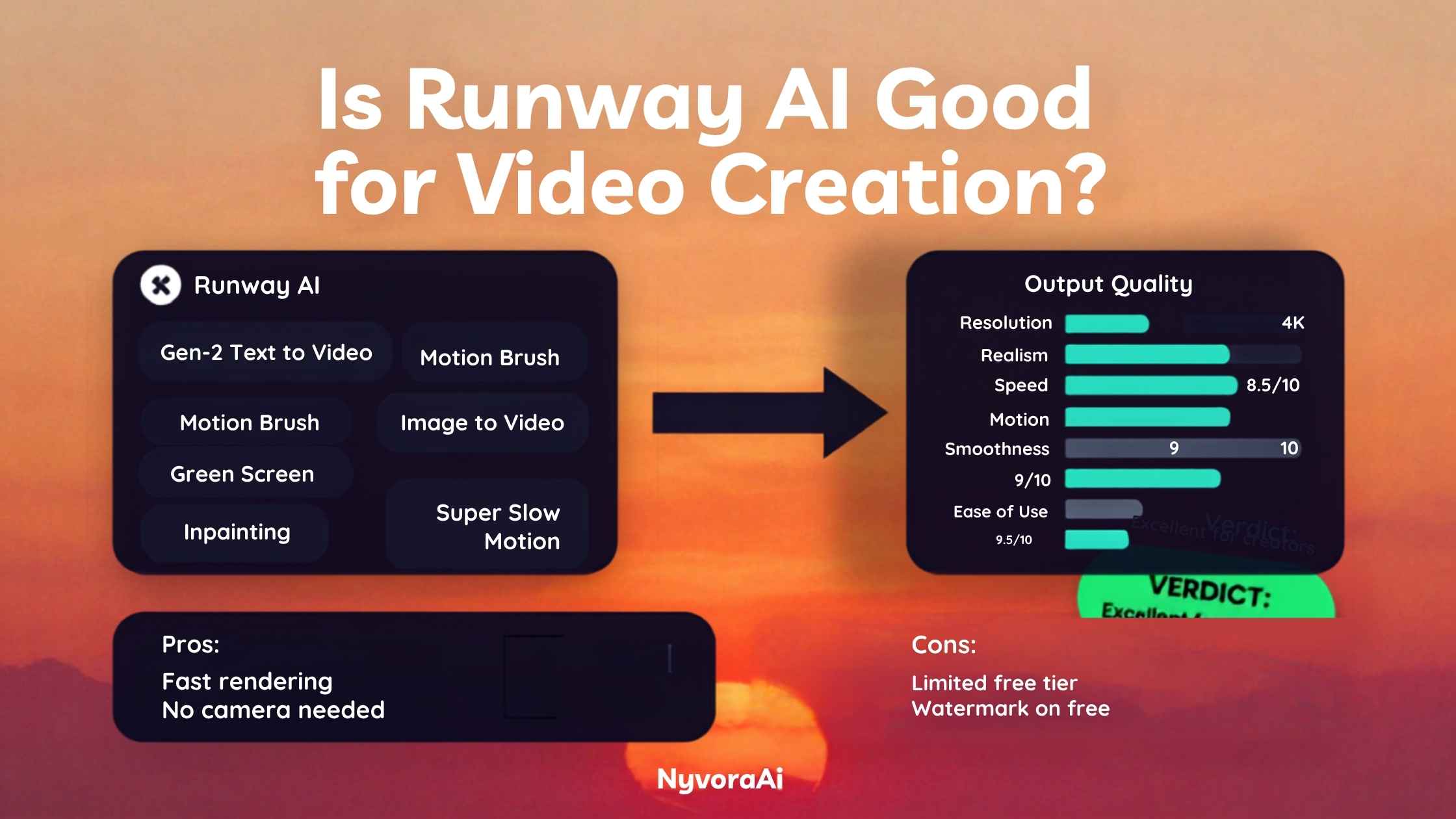
Short answer first: yes, Runway AI is good for video creation if you need short, high-quality generated clips, creative visual effects, or AI-assisted editing tools, and you understand it works in seconds-long segments rather than full finished films. It's not the right tool if you need long-form talking-head content, precise scripted dialogue, or a completely free way to make videos. The rest of this breaks down exactly why.
Video is only one part of most creators' toolkits, so if you're comparing your options more broadly, our guide to the best free AI video tool in 2026 is worth reading alongside this one if budget is a bigger constraint than raw quality.
Runway is a genuinely strong creative video tool with a specific, narrow lane.
- For short generated clips and visual effects: Runway's Gen-4 model produces some of the most coherent, cinematic-looking AI video available right now.
- For talking-head or avatar-style videos: It's the wrong tool. Dedicated avatar platforms handle that job far better.
- For budget-conscious creators: The free tier is thin, and credits burn quickly once you're generating regularly.
- For professional or client work: The editing suite around the generation tools, green screen, inpainting, motion brush, adds real production value beyond the novelty of text-to-video.
01What Is Runway AI, Exactly?
Runway, technically Runway ML, started as a company building creative AI tools for filmmakers and has grown into one of the most recognizable names in generative video. Its flagship product lets you generate video clips from a text prompt, an image, or a combination of both, and its Gen-4 model has become the benchmark a lot of competitors get measured against for visual coherence and motion quality.
Beyond pure generation, Runway also bundles a set of AI-assisted editing tools that used to require specialized software or a skilled VFX artist: automatic green screen removal without a physical green screen, object removal and inpainting, motion tracking, and slow-motion frame interpolation. That combination of generation plus editing is a big part of why Runway gets used by working creative professionals rather than just hobbyists experimenting with prompts.
02How Runway Actually Generates Video
At its core, Runway's Gen-4 model turns a text description, a reference image, or both into a short video clip, typically a handful of seconds up to around 10 to 20 seconds depending on your plan and settings. You can guide the camera movement, describe the action, and iterate on a generation by adjusting the prompt or using its "director mode" style controls for finer motion guidance.
Image-to-video is often the more reliable path for consistency: feed it a still image, and Runway animates it with a described motion, which tends to hold visual coherence better than generating an entire scene from text alone. This matters practically, since a lot of professional workflows start with a carefully composed still image (sometimes generated separately in a tool like Midjourney) and use Runway specifically to bring that still to life.
The editing suite runs somewhat independently of the generation model. Tools like the motion brush, which lets you paint the specific area of an image you want to animate, and inpainting, which lets you remove or replace an object across a video's frames, use their own underlying models tuned for those specific editing tasks rather than pure generation.
Why Most Runway Clips Are Short
Generating coherent motion over many seconds is dramatically harder for an AI model than generating a single coherent image, since it has to maintain consistency across every frame. That's why most generative video tools, Runway included, work in short clips rather than long continuous shots. Professional workflows typically generate several short clips and edit them together, rather than expecting one generation to produce a finished scene.
03Where Runway Genuinely Helps
Runway's Gen-4 output holds up well for lighting, camera movement, and subject consistency across a clip, which is the hardest part of generative video to get right. For creative, cinematic, or stylised footage, it's genuinely one of the strongest options available.
Green screen without a green screen, object removal, and motion tracking turn Runway into more than a generation novelty. These tools solve real production problems that would otherwise need dedicated VFX software or outside help.
Starting from a still image and animating it produces noticeably more reliable, controllable results than pure text-to-video, especially when the still was carefully composed beforehand.
04Where Runway Falls Short
The most immediate limitation is clip length. If you need a continuous, scripted scene running longer than 20 seconds or so, you're stitching together multiple generations rather than getting one clean output, which adds editing overhead most people underestimate going in.
Cost is the second issue. Runway's free tier gives you a small one-time credit allowance to test the platform, but regular use requires a paid plan, and heavier generation, especially at higher resolutions or with multiple retries per clip, burns through credits faster than new users expect. Budget-conscious creators should plan for this rather than being surprised by it.
Third, Runway is not built for talking-head, presenter-style, or dialogue-heavy video. If your content needs a consistent speaking character delivering a script, a dedicated AI avatar platform is a better fit, and it's worth reading our separate look at whether Synthesia AI is good for making videos if that's closer to what you actually need.
Finally, there's still a real learning curve to getting consistently great results. Prompting for video is less forgiving than prompting for a still image, since small wording changes can significantly shift motion, pacing, and camera behavior in ways that aren't always predictable on the first try.
05Runway vs Other AI Video Tools
Best when you want short, cinematic, AI-generated footage plus a real editing toolkit around it. Weakest for long-form or dialogue-driven content.
Built specifically for presenter-style, talking-head videos using AI avatars, ideal for training and explainer content. Not designed for cinematic generated scenes the way Runway is.
Several free or freemium tools cover basic AI video needs without Runway's credit-based cost. See our full best free AI video tool in 2026 breakdown if budget is the deciding factor.
Better suited to bloggers and marketers who need simple animated graphics inside a broader design workflow. Read our take on whether Canva AI is good for design beginners if that's closer to your use case than cinematic video generation.
06Best Use Cases for Runway in 2026
Filmmakers
Pre-visualization, mood boards in motion, and generating b-roll style footage that would otherwise need a full shoot.
Social content creators
Eye-catching short clips for platforms where visual novelty and motion grab attention fast.
Marketers
Promotional visuals and product-style animations without booking a full video production team.
Video editors
Green screen replacement, object removal, and motion tracking for existing footage that needs cleanup.
Podcasters
Short animated visuals to accompany audio clips. Pairs well with a proper editing workflow like our guide to the best AI tool for podcast editing.
Bloggers
Short embedded video snippets to break up long-form posts, especially once paired with a solid AI SEO tool for bloggers strategy to make sure the surrounding content still ranks.
07Mistakes People Make With Runway
08Is Runway Right for Your Video Needs?
Answer three quick questions and get a straight recommendation. Still juggling multiple tools in your workflow? Our note on whether Notion AI is worth adding to your workflow might help you keep it all organized, or reach out to the NyvoraAI team directly if you want a second opinion.
09Frequently Asked Questions
Is Runway AI good for video creation?
How much does Runway AI cost?
Is Runway AI better than Synthesia?
How long can Runway AI generated videos be?
Can I use Runway AI videos commercially?
10Conclusion
So, is Runway AI good for video creation? For the specific job it's built for, short, visually striking generated clips backed by a genuinely useful set of AI editing tools, the answer is a clear yes. It's one of the most capable generative video platforms available right now, and the built-in green screen, inpainting, and motion tools give it real staying power beyond the novelty of typing a prompt and watching a clip appear.
Where it stops being the right answer is just as clear. If your video needs are long-form, dialogue-heavy, or presenter-driven, Runway isn't the tool, and pretending otherwise will cost you credits and patience for a worse result than a purpose-built alternative would give you. And if budget is your primary constraint rather than absolute quality, it's worth testing free options first before committing to a paid plan you might not need.
AI video tools are evolving quickly enough that this landscape will likely look different within a year, so if you want to keep track of what changes, the NyvoraAI news section covers new releases and pricing shifts as they happen. And if visual content beyond video is part of your workflow too, our guide on whether Canva AI is good for design beginners is a solid next read.

Written by Varun Lalwani
Varun covers AI tools, trends, and practical guides at NyvoraAI. This article was reviewed for accuracy in July 2026. Spotted something that's changed or have a tool we should add? Let us know, we update our guides when things shift.