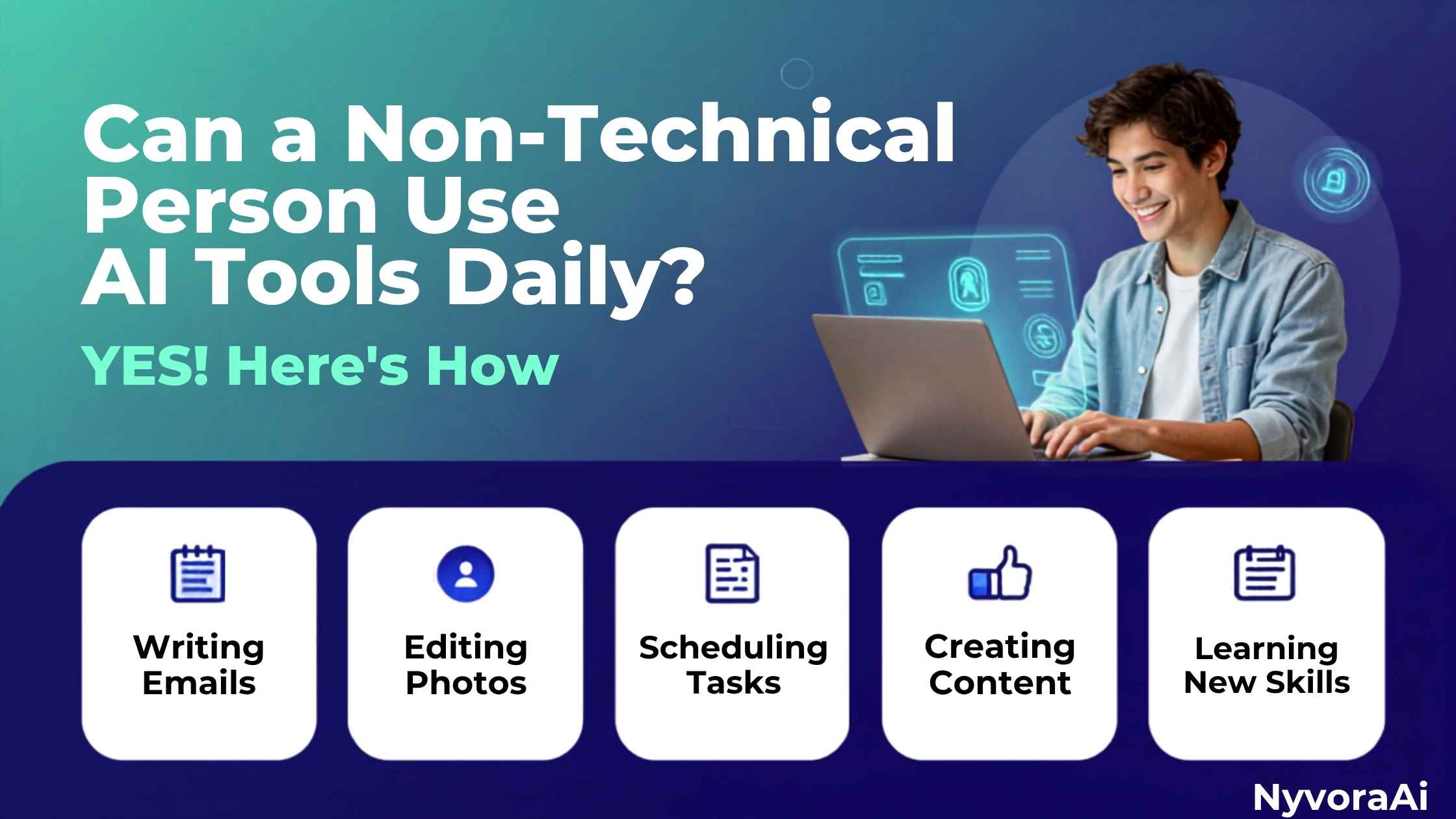
The question we get asked most often at NyvoraAI is: Can a non-technical person use AI tools daily? The short answer is a massive, undeniable YES. You don’t need a computer science degree, you don’t need to know how to code, and you definitely don’t need to understand the complex math behind neural networks. If you can type a text message, search on Google, or use a microwave, you can use AI.
In this comprehensive guide, we’re going to walk you through exactly how everyday people are using AI daily, the best tools to start with, and how you can build your own AI-powered routine without breaking a sweat. If you're still wondering what is artificial intelligence in simple terms, think of it as an incredibly well-read intern. You don't need to know how their brain works; you just need to know how to give them clear instructions.
- Zero coding required: Modern AI uses natural language. If you can chat, you can use AI.
- Free to start: Tools like ChatGPT, Claude, and Gemini have powerful free tiers.
- Immediate value: You can save hours every week on emails, planning, and research.
- Build a habit: Start with one simple daily task and expand from there.
01The Truth About AI and "Technical" Skills
Let’s clear the air right now. The tech industry has done a great job of making AI sound intimidating. They throw around terms like "algorithms," "parameters," and "large language models" until it feels like an exclusive club. But here’s the secret: using AI is not about understanding how the engine works; it’s about knowing how to drive the car.
The barrier to entry has completely collapsed. In 2026, AI interfaces are designed for humans, not machines. They understand natural language, slang, typos, and context. You literally just talk to them. You don't need to know the AI vs machine learning difference to benefit from them, just like you don't need to understand aerodynamics to fly in a plane.
027 Real Ways Non-Technical People Use AI Every Single Day
Let’s get practical. What does "using AI daily" actually look like for a normal person? Here are seven real-world examples of how non-technical people are integrating AI into their everyday lives.
Email and Communication Rescue
We’ve all stared at a blank screen, trying to figure out how to politely say "no" to a request, or how to follow up on an unpaid invoice. AI tools can draft these emails in seconds. You just type: "Write a polite but firm email to a client who is two weeks late on payment." Boom. Done.
Meal Planning and Grocery Lists
Deciding what to eat every night is a mental drain. AI can generate a week’s worth of dinner recipes based on the exact ingredients you have in your fridge, and then instantly format a grocery list for the missing items.
Learning New Skills on the Fly
Want to understand how a mortgage works? Need to practice Spanish before a trip? AI acts as a personalized, patient tutor. You can ask it to "explain mortgages like I'm 10 years old" or "roleplay a conversation at a Madrid coffee shop."
Summarizing Long Content
Got a 30-page PDF report you need to read? Or a 2-hour podcast you want the key takeaways from? AI can summarize documents, articles, and transcripts in seconds, giving you the bullet points you actually care about.
Travel Planning
Instead of spending hours on travel blogs, you can tell AI: "Plan a 5-day trip to Kyoto for someone who loves history and quiet temples, but hates crowded tourist traps." It will build a day-by-day itinerary complete with logistics.
Home DIY and Troubleshooting
Your washing machine is making a weird clicking sound. Instead of calling a repairman immediately, you can describe the sound and the model to an AI, and it will often guide you through the exact troubleshooting steps or tell you if it's a simple fix.
Creative Hobbies
Writing a bedtime story for your kids? Trying to write a poem for your partner's birthday? AI is an incredible brainstorming partner. It won't replace your personal touch, but it will help you break through writer's block instantly.
03The Best Daily AI Tools for Non-Technical Users
You don't need to use complex developer platforms. Here are the most accessible tools you can start using today. If you want a deeper dive into the absolute simplest platforms, check out our guide on the easiest AI tools to start with.
| Tool | Best For | Cost |
|---|---|---|
| ChatGPT | General tasks, writing, brainstorming, daily Q&A | Free / Plus |
| Claude | Long document analysis, nuanced writing, coding help | Free / Pro |
| Gemini | Google ecosystem integration, real-time info, research | Free / Advanced |
| Canva AI | Designing social media posts, flyers, and presentations | Free / Pro |
| Grammarly | Checking emails, essays, and messages for tone/grammar | Free / Premium |
04How to Build Your Own Daily AI Routine (Step-by-Step)
Using AI once is fun. Using it daily is a superpower. Here is how to build a habit that sticks.
05Interactive: Find Your Daily AI Match
Not sure where to start? Click on the daily tasks you struggle with below, and we'll show you exactly how AI can solve them!
Select your daily friction points to get personalized AI solutions.
06Common Fears & Myths Busted
Let's address the elephant in the room. Many non-technical people are hesitant to try AI because of fear. Let's bust those myths right now.
07Pro Tips for Getting Better Results
Even without technical skills, you can get expert-level results by mastering a few simple habits. Think of AI as a very literal genie — it gives you exactly what you ask for, so you need to be clear.
Give It a Persona
Start your prompt with "Act as a..." For example: "Act as a professional nutritionist and give me a high-protein meal plan." This sets the tone and expertise level of the response.
Provide Context
Don't just say "Write an email." Say, "Write an email to my boss, Sarah, who is very busy and prefers bullet points, asking for next Friday off for a family wedding." Context is everything.
Ask It to Ask You Questions
If you don't know where to start, try this magic prompt: "I want to plan a 7-day trip to Italy. Ask me 5 questions one by one to help you build the perfect itinerary for me." Let the AI guide you!
Iterate (Don't Settle)
If the first answer isn't perfect, don't start over. Just reply: "Make it shorter," "Make it funnier," or "Focus more on the budget aspect." Treat it like a conversation, not a one-and-done search engine.
08Frequently Asked Questions
Can a non-technical person use AI tools daily?
Do I need to pay for AI tools to use them every day?
Is it safe to put my personal information into AI?
What is the best AI tool for a complete beginner?
Will using AI make me lazy or less creative?

Written by the NyvoraAI Team
We believe AI is for everyone, not just programmers. This guide was written to prove that you don't need a tech background to benefit from the AI revolution. Got questions? Drop us a line — we love helping beginners!